
Structured Cabling
Plan an organized cabling system around your floor plan, equipment and future needs.
Discuss Structured CablingCABLING & INFRASTRUCTURE
Prepare your workplace with the cabling, equipment and power protection your technology needs to work well.
One location or many.
One partner to bring it together.

THE FOUNDATION FOR CONNECTED WORK
Moving, renovating or adding equipment? We help you review the physical infrastructure before you install the next layer of technology.
Plan an organized cabling system around your floor plan, equipment and future needs.
Discuss Structured CablingConnect workstations, phones, access points and cameras with cabling suited to the installation.
Discuss Network CablingReview fibre requirements for links between equipment areas and suitable building connections.
Discuss Fibre CablingOrganize equipment placement, rack capacity and access for installation and maintenance.
Discuss Network RacksBring cabling terminations together with labeling and organization for easier changes.
Discuss Patch PanelsReview power protection and backup requirements for the equipment you depend on.
Discuss UPS & Power ProtectionMatch switches, phones and other equipment to the systems and infrastructure being installed.
Discuss Hardware & EquipmentCoordinate site work, equipment installation, checks and handoff with your team.
Discuss Installation & DeploymentCABLING & INFRASTRUCTURE EQUIPMENT
Explore the components behind each of our eight infrastructure services. Belden cabling and connectivity, network equipment and power protection come together with installation planned around your business.
Match the termination to the cable system and keep every connection clearly identified.
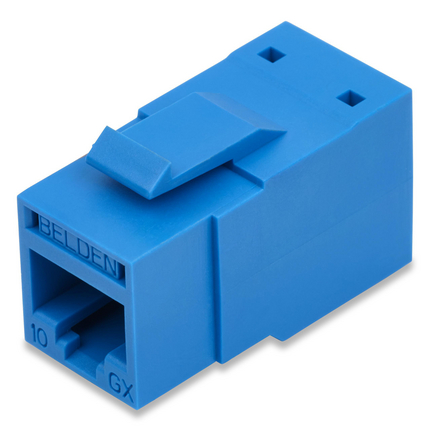
Unshielded Category 6A
A modular RJ45 termination for work-area outlets and compatible patch panels.
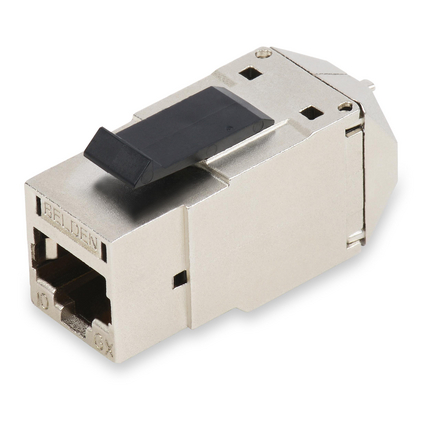
Shielded Category 6A
For shielded cabling designs where electrical noise and grounding requirements matter.
Connect desks, business phones, Wi-Fi access points and cameras with the right cable for the run.
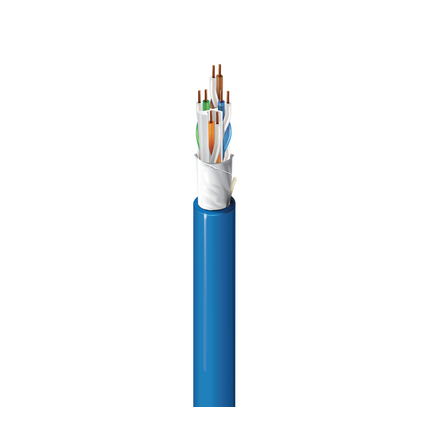
High-performance Category 6A
A strong foundation for demanding network and powered-device connections.
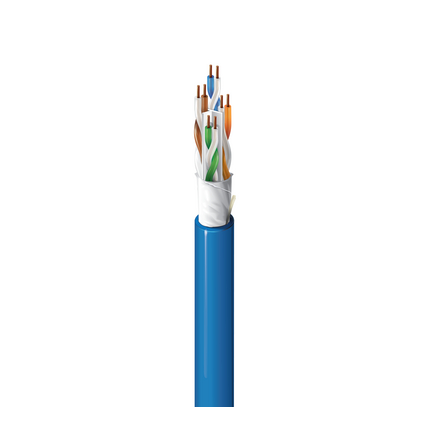
Category 6A for connected buildings
Designed for in-building wireless and everyday business connectivity.
Protect and organize the backbone between equipment rooms, floors and network areas.
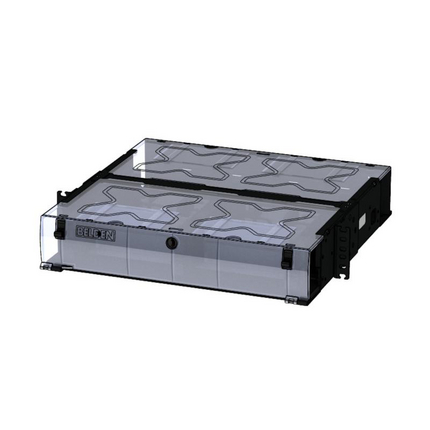
Rack-mount fibre housing
A flexible housing for fibre adapters, cassettes and backbone connections.
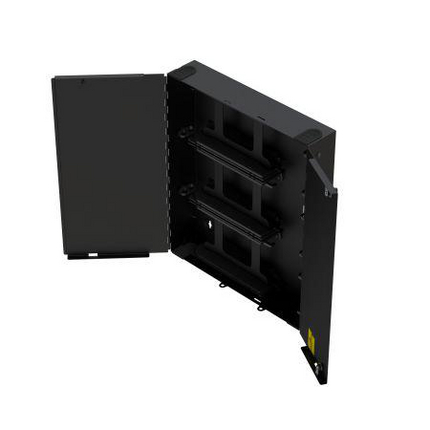
Wall-mount fibre housing
A wall-mounted connection point for fibre where a rack is not the best fit.
Choose the capacity, depth and access your equipment needs, with room for the next upgrade.
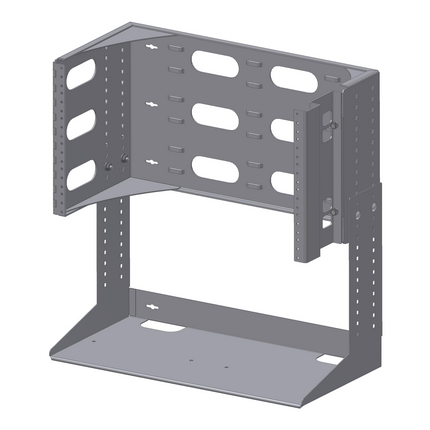
Compact hinged wall rack
A practical wall-mounted option for smaller equipment and patching installations.
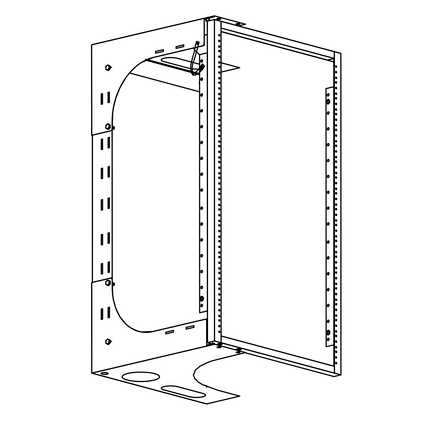
Heavy-duty swing-out rack
More mounting space and rear access for a larger telecom closet.
Bring each cable run back to an organized, labelled connection point.
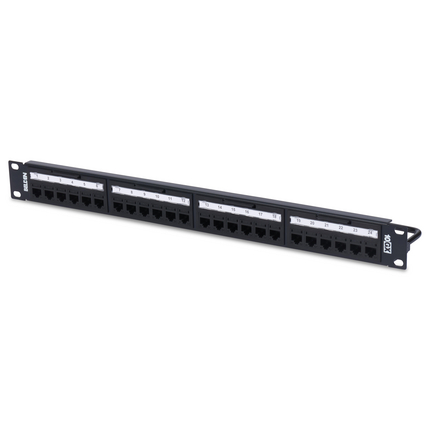
24-port, 1U
An organized termination point for a compact network rack.
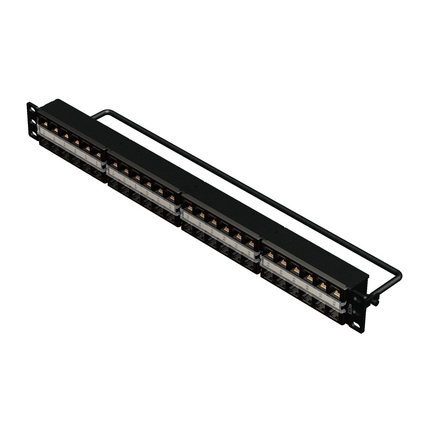
48-port, 1U
Higher port density for locations with more connections and less rack space.
Protect essential network equipment from short outages and power disturbances. Size backup power around the equipment load and the runtime your business needs.
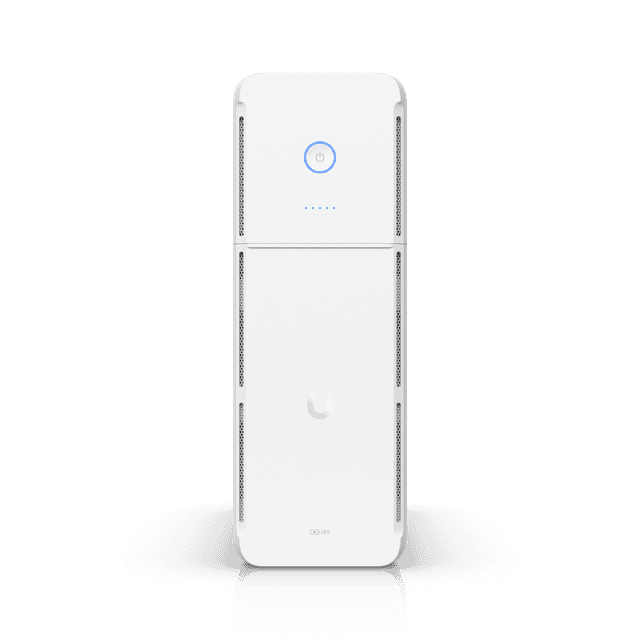
Compact battery backup
A tower-format UPS for smaller network setups and equipment areas.
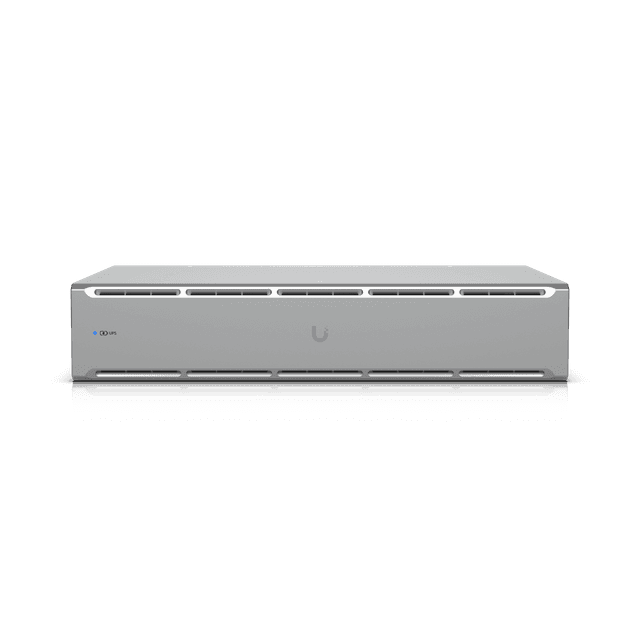
Rack-mounted battery backup
Battery backup that fits into a standard network rack.
Match the gateway, switching and power delivery to the cabling and devices being installed.
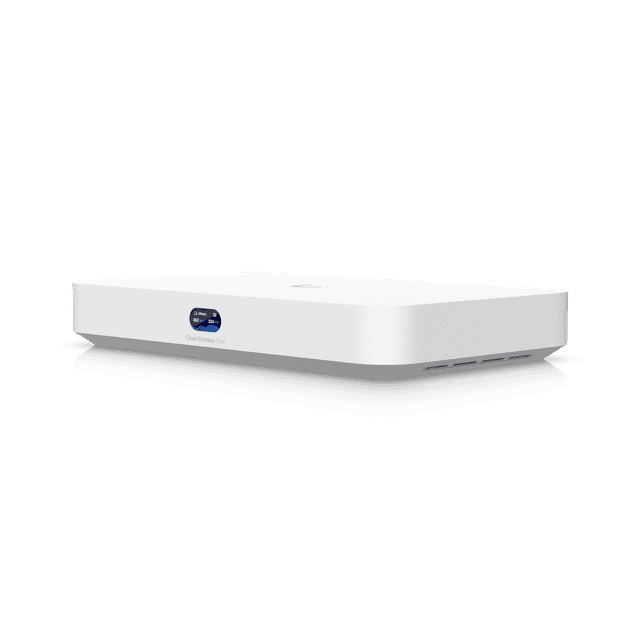
Gateway & network management
Bring routing, firewall control and UniFi Network management into the setup.
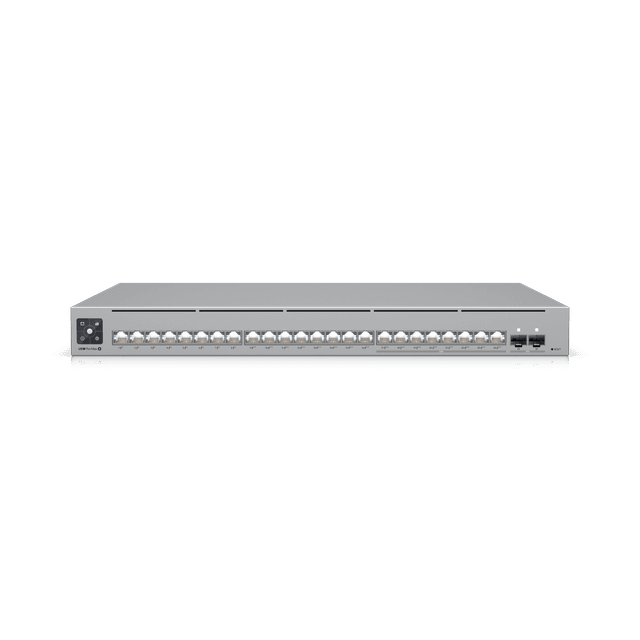
Network switching & device power
Connect wired equipment and power compatible phones, access points and cameras.
Coordinate site work, equipment installation, checks and handoff with your team.

01 · SITE SURVEY
Review the floor plan, existing infrastructure, cable routes, equipment space and access with your project team.
02 · INSTALLATION
Coordinate cable runs, terminations, mounting, equipment installation and scheduling around your business.
03 · TESTING & HANDOVER
Complete the agreed checks, labels, port maps and documentation so your team can maintain the setup.
The components and checks that turn individual products into a working infrastructure.
Add correctly rated copper patch cords between the patch panel and switch, plus work-area cords. For fibre links, select OS2 single-mode or OM4 multimode cable, compatible adapters or cassettes, patch cords and matching transceivers for the distance and equipment.
Include horizontal or vertical managers, hook-and-loop ties, labels, cable trays or supports, faceplates, back boxes and mounting hardware. Maintain bend radius, cable separation and accessible routes.
Pair the cabling with a gateway and switches sized for port speed and PoE demand. Add rack shelves where needed, a suitable power distribution unit, grounding or bonding components and a UPS sized for the connected load.
Plan the cable schedule, port map and labels before installation. Agree on copper certification, fibre testing and installation documentation so your team can identify and maintain every connection.
A TYPICAL BUSINESS SETUP
Gateway → network switch → patch panel → structured cable → outlet or device.
Bring connections back to a rack or wall-mounted enclosure. Add a fibre backbone where needed, protect power with a UPS, and finish with clear labels and agreed test results.
Cable rating, shielding, distance, PoE load, rack capacity and fibre type are selected for your site. Fibre does not deliver PoE power; remote devices need an appropriate local power source.
PERSONAL ADVICE. COMPLETE INSTALLATION.
Tell us about your floor plan, devices and upcoming changes. We’ll help choose the right components and coordinate the installation with your team.
Product availability, quantities, installation, testing and documentation are confirmed in your quote.
BUILT AROUND YOUR BUSINESS
Plan cabling and equipment before the space opens for business.
Review existing infrastructure and the connections your new layout requires.
Check cabling, power and equipment space before adding phones, Wi-Fi or cameras.
WHITE GLOVE TELECOM SERVICE
We start by understanding your business, then coordinate the right services and the work needed to bring them together.
Start a conversationReview drawings, existing cabling, equipment areas and access for the proposed work.
Confirm connection points, equipment, installation responsibilities and timing.
Coordinate the work and agree on labeling, checks and documentation for your setup.
A LITTLE CLARITY
Yes. We can coordinate the proposed technology work with your project team and clarify responsibilities before installation.
We’ll review its condition, layout and suitability for the proposed equipment before determining what can be retained.
Early planning helps identify cabling routes, equipment space and connectivity needs before construction and installation schedules are finalized.
We’ll review access, working hours and service dependencies when planning the work. The agreed schedule identifies any expected interruptions.
LET’S START WITH YOUR BUSINESS
Tell us about your current setup, your priorities and your locations.
We’ll help you work out the next step.
Service availability, equipment, installation and ongoing support scope confirmed in your quote.