
Security Cameras
Select camera types and placement around entrances, work areas and the coverage you need.
Discuss Security CamerasSECURITY CAMERAS & MONITORING
Plan cameras, recording and access around your premises—with one team to bring the pieces together.
One location or many.
One partner to bring it together.
A CLEARER VIEW OF YOUR BUSINESS
Tell us what you need to see and how you want to manage access. We’ll review your layout, recording needs and network before recommending a setup.
Select camera types and placement around entrances, work areas and the coverage you need.
Discuss Security CamerasBring camera views together with a system planned for the way your team uses footage.
Discuss Video SurveillanceReview local and cloud recording options, retention needs, storage and access.
Discuss NVR / Cloud RecordingDiscuss authorized remote viewing and the monitoring responsibilities your business needs.
Discuss Remote MonitoringReview alarm requirements for your premises, including installation and compatibility.
Discuss Alarm SystemsDiscuss monitoring arrangements, escalation contacts and service availability for your location.
Discuss Alarm MonitoringPlan how staff and authorized visitors enter your premises and how permissions are managed.
Discuss Access ControlUNIFI CAMERAS & RECORDING
Two leading choices in each camera family, matched to your space and the detail you need. We bring together cameras, recording, networking and installation for one coordinated setup.
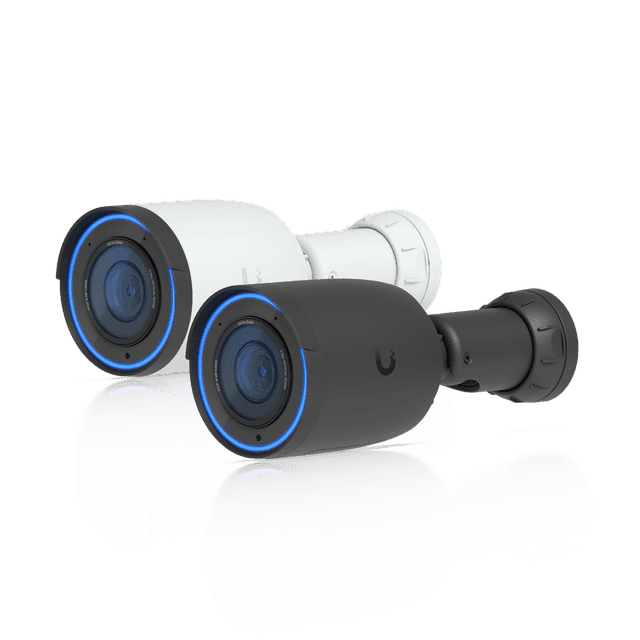
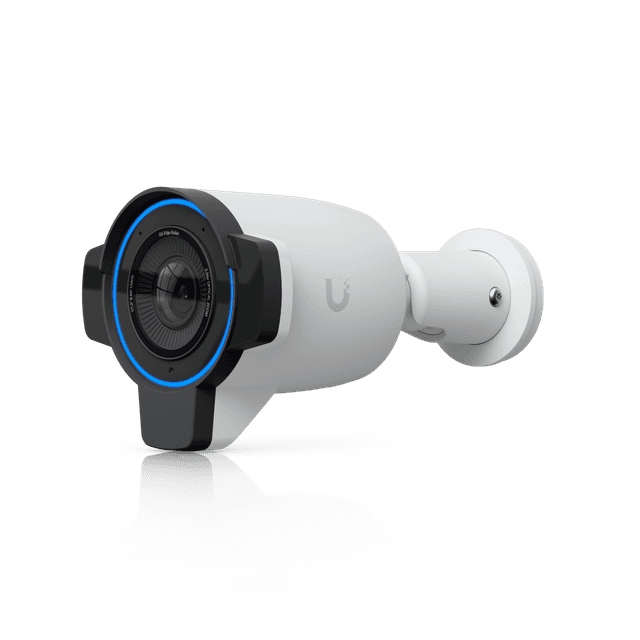
Entrances, exterior walls and defined sightlines.
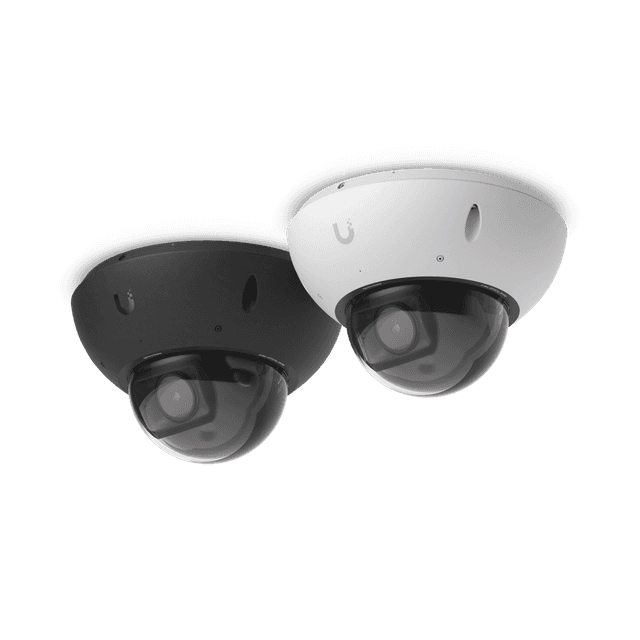
Discreet coverage for busy interiors and protected exterior areas.
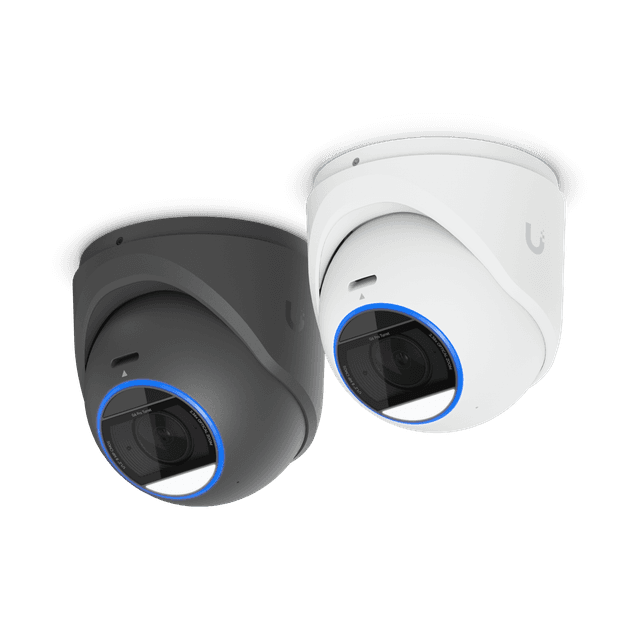
Smaller cameras for counters, offices and flexible placements.
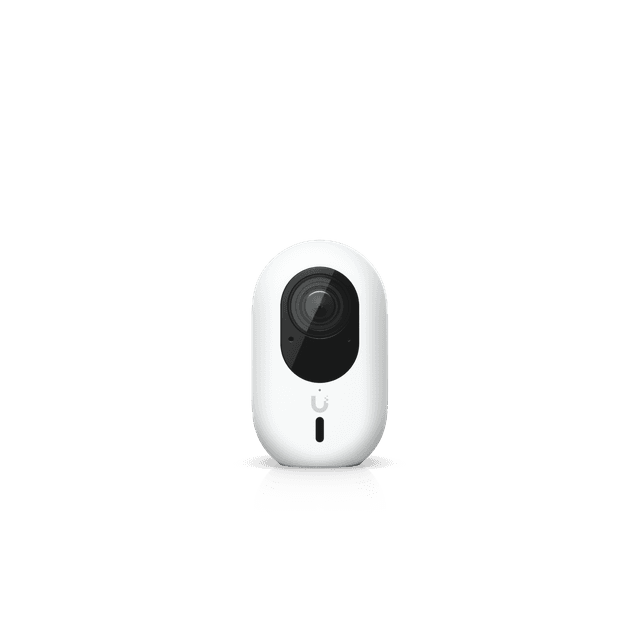
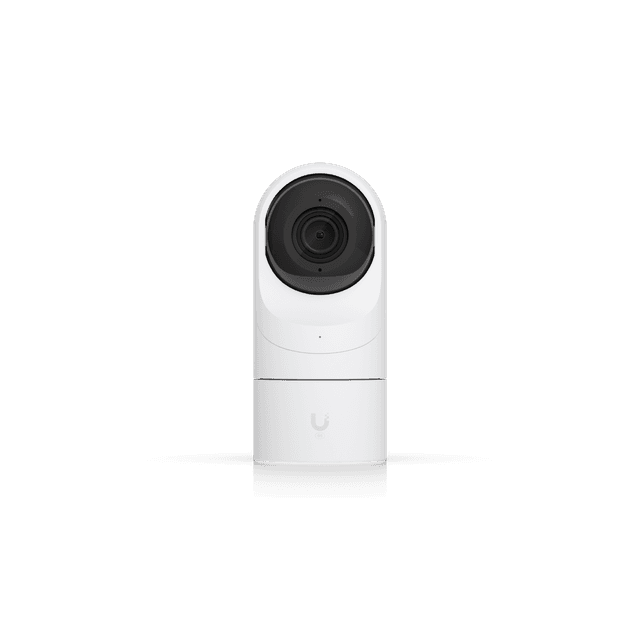
Small lens heads and concealed hubs for an uncluttered space.
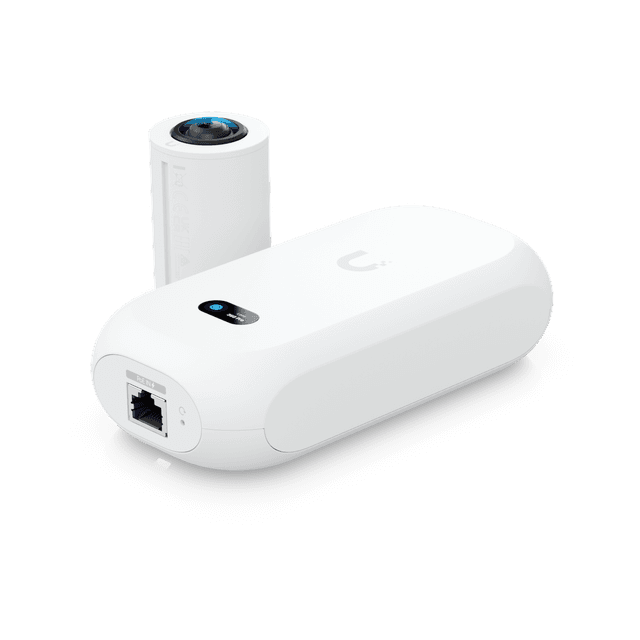
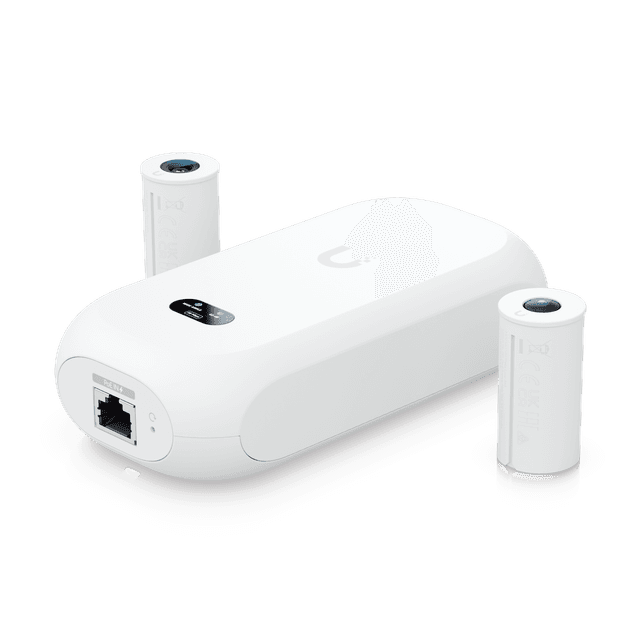
Motorized coverage and optical zoom for larger areas.
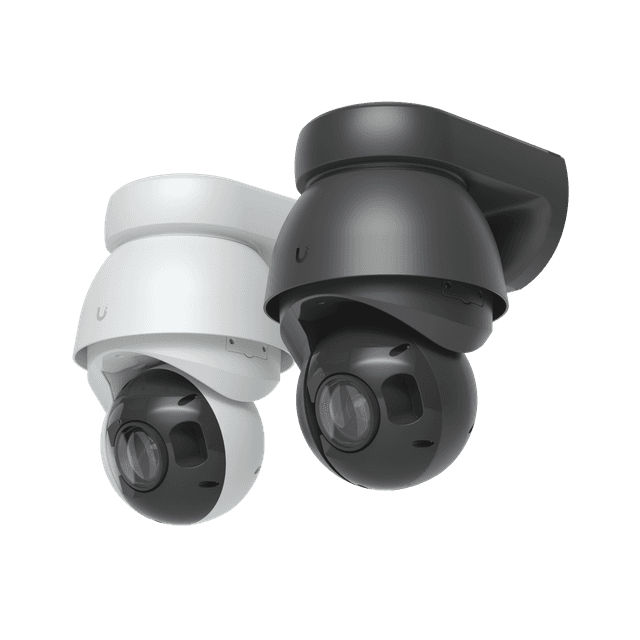
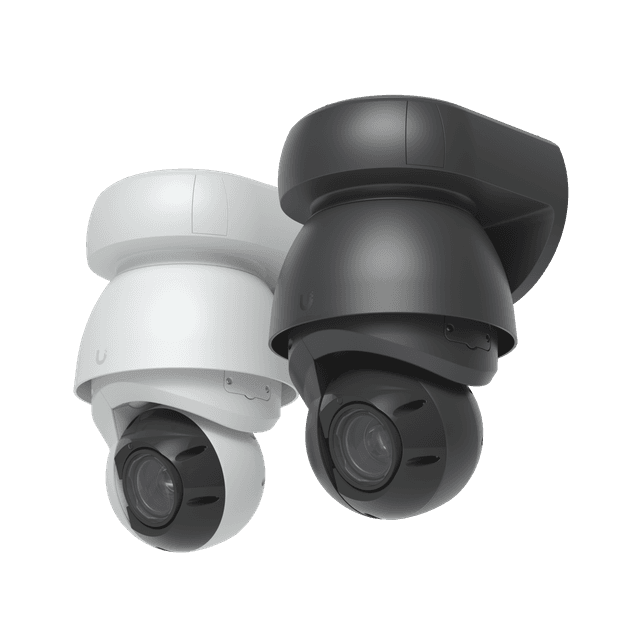
Select one recorder sized for your camera count and retention needs, then match switching and routing to the site.
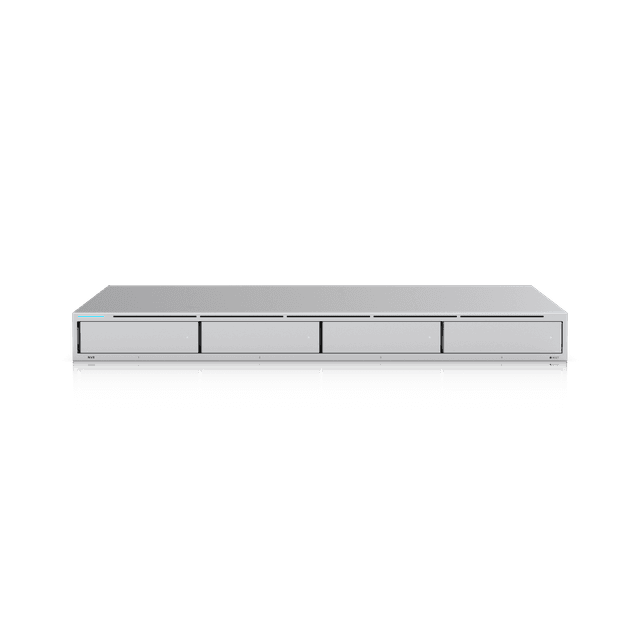
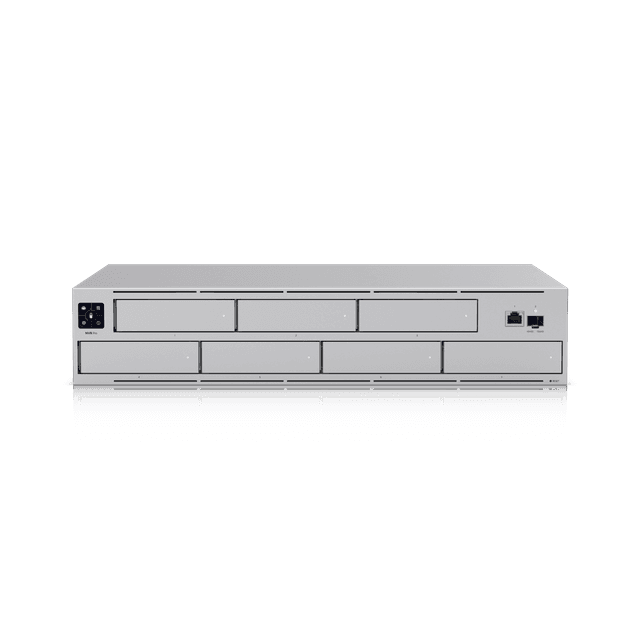
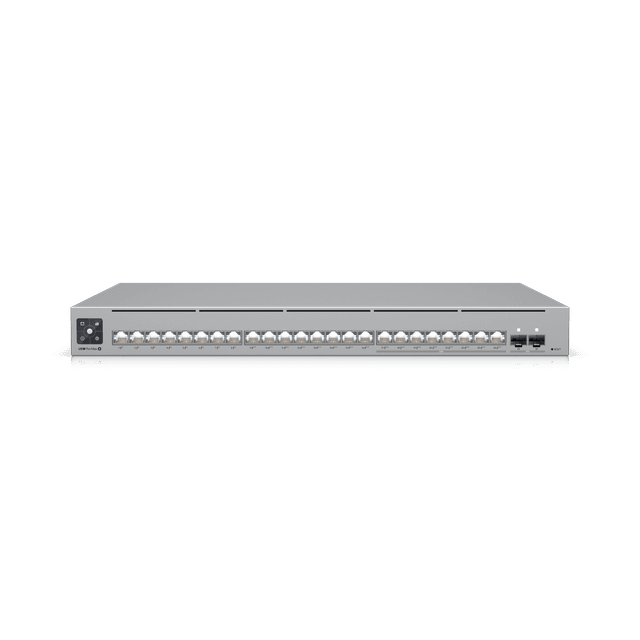
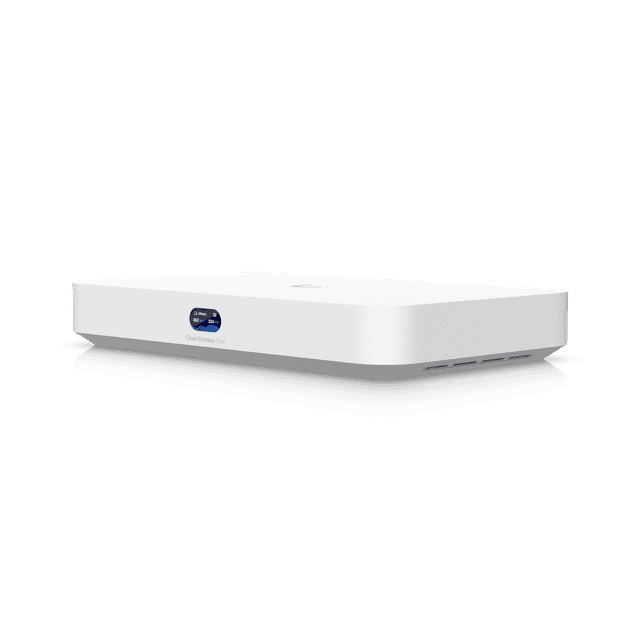
Add compatible surveillance drives sized for camera resolution, recording schedules and the number of days you want to retain footage. Configure UniFi Protect, user access and alerts.
Size PoE, PoE+ and PoE++ ports and the total switch power budget for the selected cameras. G6 Instant uses Wi-Fi and local USB power; add suitable Wi-Fi coverage. Connect the recorder and gateway with the appropriate Ethernet or fibre uplinks.
Include tested Ethernet runs, patch panels, mounting brackets or junction boxes, a rack or cabinet and a UPS. Add outdoor-rated cable, weatherproof connections and surge protection where needed.
A TYPICAL WIRED SETUP
Internet connection → gateway → PoE switch → cameras.
The recorder connects to the network and stores footage on its installed drives. A UPS supports the recorder, gateway and switch during short power interruptions.
G6 Edge supports standalone operation; central recording can still be selected for a unified setup. We confirm device compatibility, storage, power and installation requirements in your quote.
DESIGNED AROUND YOUR LOCATION
Start with entrances, counters, parking areas and the spaces you need to see. We’ll plan camera placement, image detail, recording capacity and access permissions.
Equipment availability, detection features, retention and monitoring response are confirmed in your quote. Night-vision distances are manufacturer specifications; real-world results depend on lighting, placement and site conditions.
BUILT AROUND YOUR BUSINESS
Plan entrances, counters and stock areas around the activity you need to review.
Review cameras and access requirements for shared and restricted areas.
Define who can access each site and how recording and equipment are managed.
WHITE GLOVE TELECOM SERVICE
We start by understanding your business, then coordinate the right services and the work needed to bring them together.
Start a conversationConfirm coverage priorities, lighting, existing equipment, cabling and connectivity.
Choose cameras, recording, retention and access around your requirements.
Coordinate installation, check the views and train the people using the system.
A LITTLE CLARITY
We’ll review the selected system, Internet connection and access controls to determine the right remote-viewing setup.
Retention depends on the system, storage capacity, recording settings and any cloud service selected. We’ll confirm the proposed setup in your quote.
We’ll assess their condition, compatibility and cabling before recommending which equipment can be retained.
Remote viewing and active monitoring are different services. Your quote will define exactly what is provided, who responds and any monitoring arrangements.
LET’S START WITH YOUR BUSINESS
Tell us about your current setup, your priorities and your locations.
We’ll help you work out the next step.
Service availability, equipment, installation and ongoing support scope confirmed in your quote.