
Voicemail to Email
Keep messages within reach.
Receive voicemail notifications or audio in your inbox, ready for an easy follow-up.

$0 down. From $29.95/user/month
Phone + app + installation. Canada-wide & USA calling. White Glove Service.
POPULAR FEATURES
The tools your team uses every day to answer, route and follow up with confidence.
Keep messages within reach.
Receive voicemail notifications or audio in your inbox, ready for an easy follow-up.
Let your team share the calls.
Ring a group of colleagues in a set order or together to help connect callers with an available person.
Keep busy lines moving.
Place incoming calls in a queue until a team member is available, with greetings and wait messages.
Make the wait more welcoming.
Play music or a recorded message while callers are on hold, instead of leaving them in silence.
A professional welcome. Every time.
Greet callers and route them by menu choice, department or business hours to help them reach the right team.
Stay reachable wherever work takes you.
Forward calls to another number when you are away, busy or unable to answer.
Feature availability depends on your Webex package and configuration.
SELF-SERVICE PORTAL
Manage users, devices and service settings, with visibility into your Webex environment. Selectcom Telecom helps with setup and ongoing changes.
Open Self-service portal


ENHANCED FEATURES
Choose capabilities that solve a real need. We will confirm what your package includes and what needs a separate quote.
Keep the conversation going.
Explore texting from an eligible business number, with access and workflows suited to your team.
Keep the details that matter.
Review calls for coaching and follow-up. Choose recording access, retention and storage around your requirements.
Bring more order to busy lines.
Equip customer-facing teams with queues, agent and supervisor tools, and visibility into call activity.
Reach your team across the workplace.
Broadcast announcements through compatible overhead speakers or a paging adapter. We help plan the equipment and setup for your space.
Enhanced features are subject to package eligibility, regional availability and configuration. Optional licences, usage and storage are quoted separately where applicable.
MEET YOUR NEXT FRONT DESK
Explore an AI Receptionist that helps greet callers, answer common questions and direct conversations to your team.
We’ll review your call flow, business information and handoff needs, then show you how it could work for your business.
DESIGNED AROUND YOUR BUSINESS
A welcome. A useful answer.
A clear next step.
Optional service. Capabilities, setup and pricing confirmed during your demo.
WATCH THE VIDEO
See how Cisco Cloud Phone helps your team connect and collaborate.
Help me chooseYOUR PACKAGES. ONE PARTNER.
Compare your packages, then build the setup that fits your team.
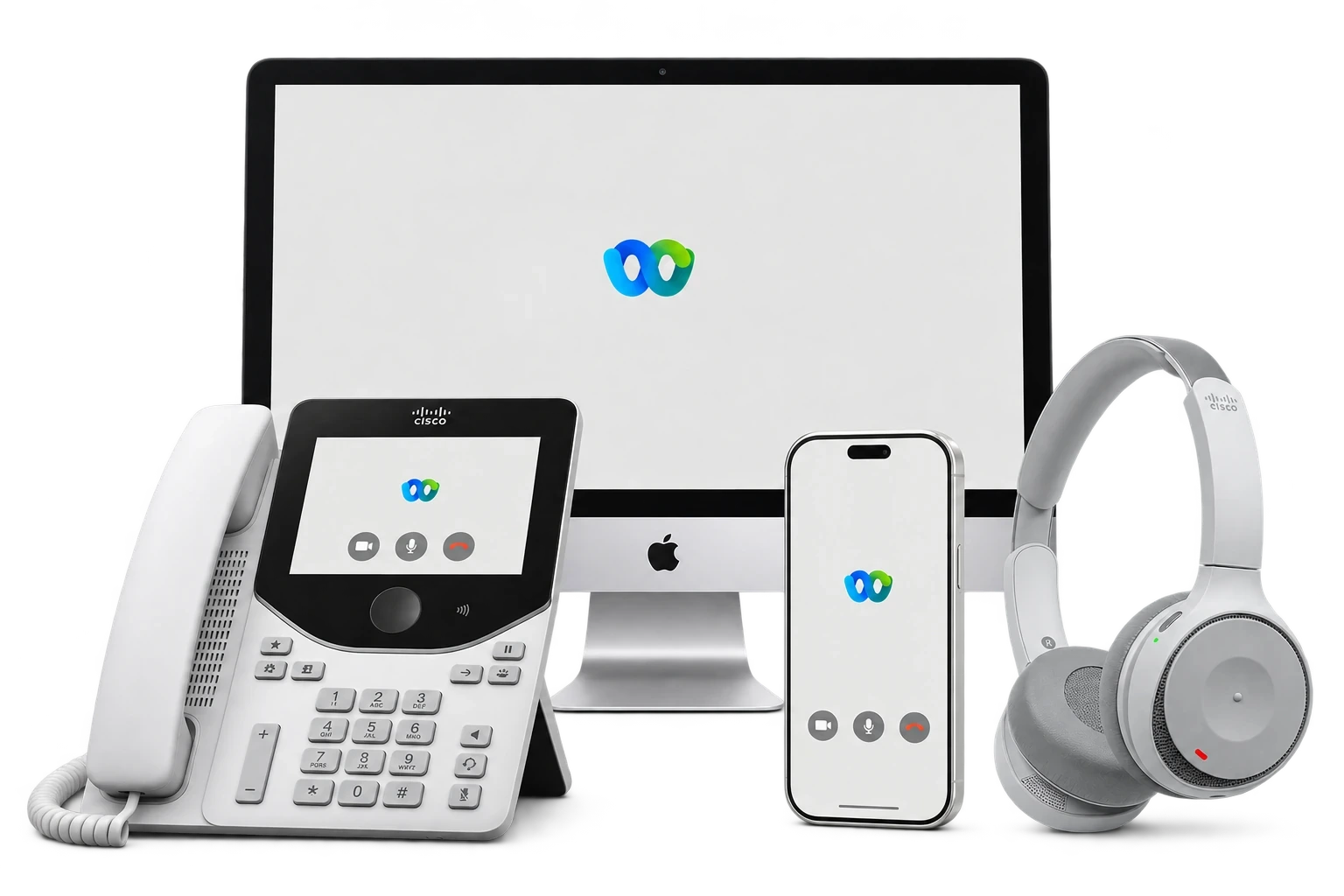
Phone, apps and onsite installation. One package.
$29.95/user/month
Includes
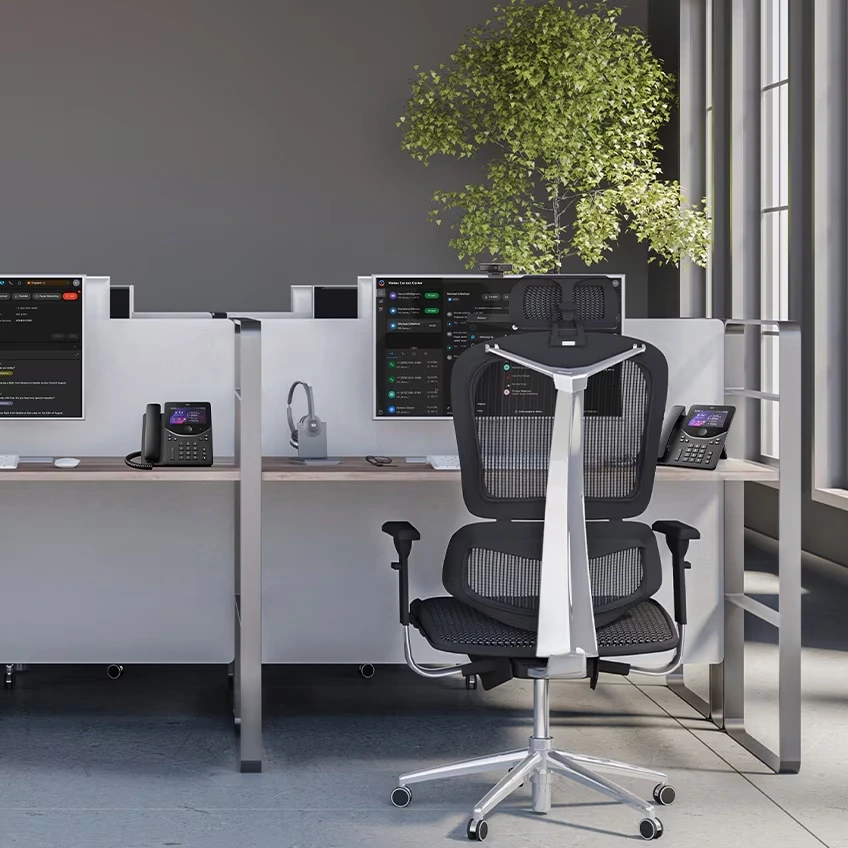
Calling, messaging and expanded video meetings.
Contact us for pricing
Includes
User licence. Equipment and installation quoted separately.

Business calling, messaging and everyday meetings.
Contact us for pricing
Includes
User licence. Equipment and installation quoted separately.

Business calling. Simple and reliable.
Contact us for pricing
Includes
User licence. Equipment and installation quoted separately.
CAD before taxes. Webex calling promotional pricing is based on a 36-month term and a minimum of 3 users. All-in-One includes a phone, onsite installation, mobile and desktop app, and Canada & USA nationwide calling. Pricing for Voice, Calling, Suite, Digital Fax and additional numbers is confirmed in your quote. Equipment and installation for user-licence plans are quoted separately. Handset selection, installation scope, optional services and any additional charges are confirmed in your quote.
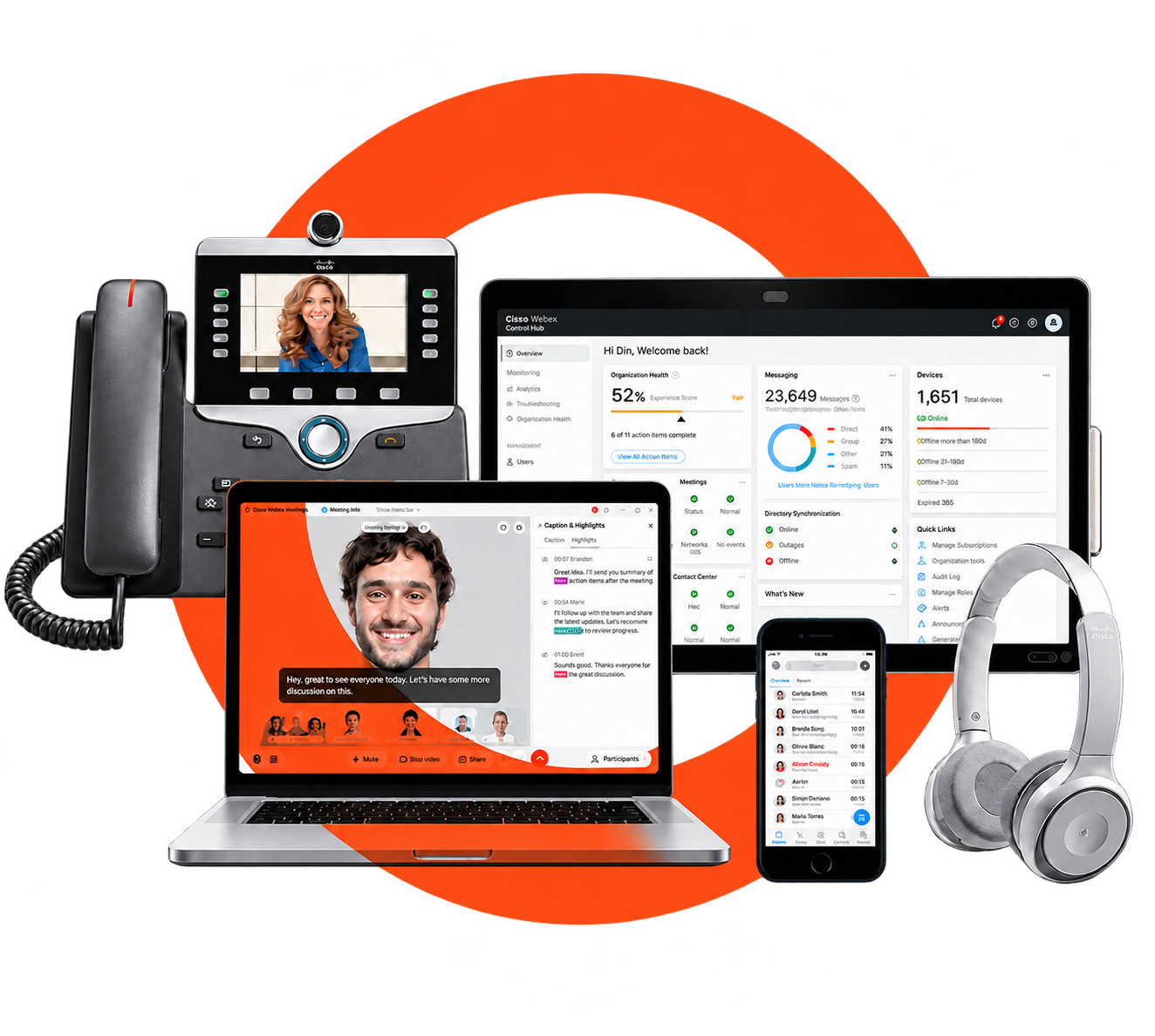
Answer five quick questions. Get a recommendation and an estimate in about 5 minutes.
PHONES FOR THE WAY YOU WORK
Find desk phones, cordless options and headsets for your team. We’ll confirm compatibility and help you choose the right devices.
Explore phones & headsets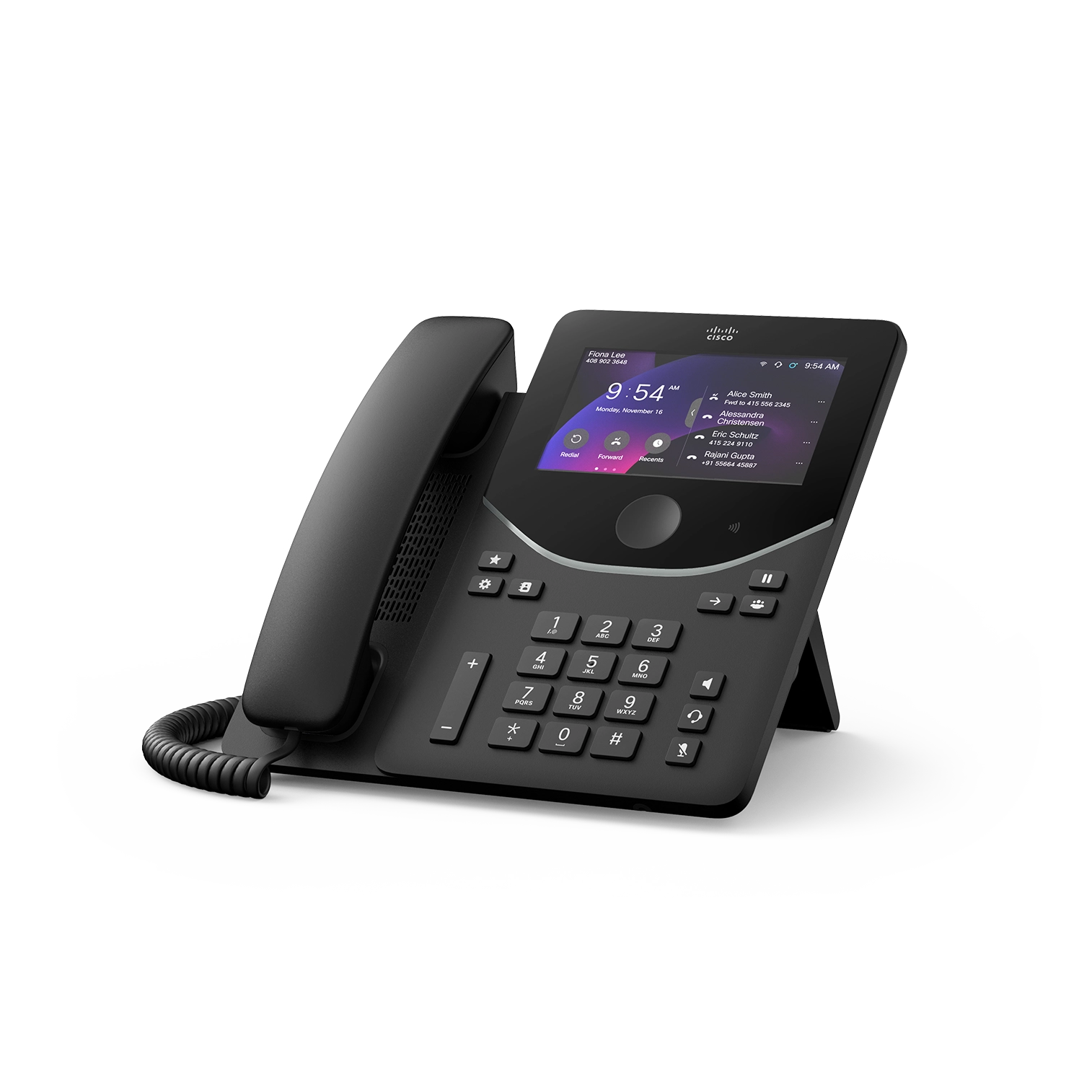

MAKE IT YOURS
Add the numbers, messaging and customer service tools your team needs.
Receive faxes digitally.
Contact us for pricing
Add a local number to your business.
Contact us for pricing
Record business calls for review and training.
Contact us for pricing
Connect with customers by text.
Contact us for pricing
Welcome callers and route calls with AI.
Contact us for pricing
Call queues, supervisor tools and service insights.
Contact us for pricing

WHITE GLOVE SERVICE
We help plan your numbers, configure your phones and apps, and guide your team through the change. All-in-One includes onsite installation.
Explore setup & supportWEBEX INTEGRATIONS & PARTNERS
Bring calling, meetings and collaboration into the apps your team already uses.
 Microsoft Teams
 Google Workspace
 Microsoft 365
 Salesforce
 Slack
 Calendly
 HubSpot
 Zendesk
 ServiceNow
 Jira
 Box
Use Cisco Call to access Webex calling features while working in Microsoft Teams.
Make business calls from Chrome while working in Google Workspace, and connect Webex Meetings with your calendar.
Explore Webex integrations for Salesforce, Slack, Microsoft 365 and Calendly, from customer collaboration to meeting scheduling.
Integrations vary by Webex plan and service. Third-party subscriptions, administrator approval, configuration or additional licences may be required. We’ll confirm compatibility and pricing for your setup.
ONE PARTNER. MORE CONNECTED.
Combine Webex Voice, Giga Internet and Google Workspace with the Business Trio.
Explore the Business Trio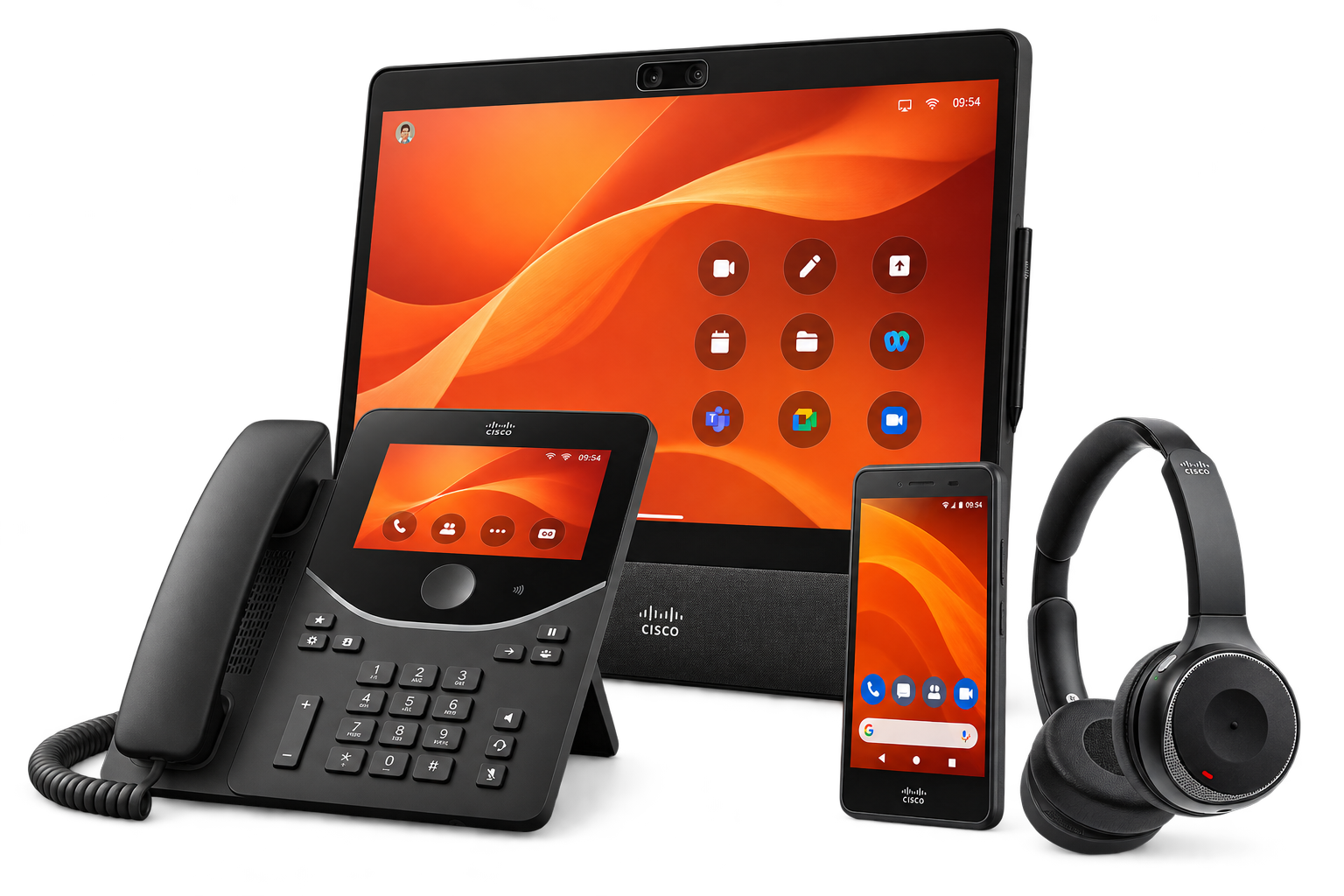
| Package focus | Webex Voice | Webex Calling | Webex Suite |
|---|---|---|---|
| Business calling | Included | Included | Included |
| Team messaging | — | Included | Included |
| Video meetings | — | Everyday meetings | Expanded meetings |
| Meeting recording and AI follow-up | — | Check package scope | Enhanced capabilities |
| Handset selection | Quoted to fit | Quoted to fit | Quoted to fit |
Compare the package focus above, then browse the feature library below. Availability depends on the package, device and configuration.
THE DETAILS, MADE SIMPLE
Search the capabilities you need. We will match them to the right package and any required options.
This library describes Webex capabilities across packages. A feature appearing here does not mean it is included in every package. We confirm your selected features, licences and configuration in your quote.
Pause a conversation and pick it up again.
Connect your caller to a colleague or another number.
See when another caller is trying to reach you.
Reconnect with a recent or missed caller.
Show the configured business identity on your calls.
Reach colleagues using your organization’s extension numbers.
Bring several people into one phone conversation.
Add video between supported users and devices.
Review your incoming, outgoing and missed calls.
Set alerts for calls that match your chosen rules.
Make included Canada-wide and USA calls through your business calling service.
Call destinations beyond your included area at the applicable per-minute rates.
Send all incoming calls to another destination.
Route a call elsewhere when your line is busy.
Choose where calls go when you cannot answer.
Set an alternate destination when your calling device cannot be reached.
Forward calls according to the criteria you configure.
Ring configured destinations at the same time.
Try configured destinations in a chosen order.
Let callers reach you through configured alternate numbers.
Apply calling rules around your working hours.
Welcome callers with a menu that directs them to the right destination.
Give callers the right path when you are open or closed.
Distribute calls among colleagues using a configured ringing pattern.
Hold incoming calls until an eligible team member is available.
Use recorded messages to guide and inform callers.
Play selected audio while callers wait.
Use extension numbers to reach configured external destinations.
Redirect calls or play an announcement for a configured user or location.
Choose supported languages for system announcements.
Answer a ringing colleague’s call from your own device.
Help answer calls within your configured pickup group.
Park a call so it can be retrieved from another extension.
See the calling status of configured colleagues or lines.
Deliver an announcement to compatible devices in a paging group.
Use configured intercom-style calling between supported users.
Let an authorized assistant help manage an executive’s calls.
Make an assigned line available on other eligible devices.
Add eligible secondary lines for separate calling needs.
Manage supported primary and additional lines on your device or app.
Let authorized users join a call for assistance or supervision, as configured.
Give unanswered callers a mailbox and a personal greeting.
Review and manage supported voicemail in the app.
Receive voicemail notifications or audio by email as configured.
Give a team access to a configured group mailbox.
Access supported voicemail functions through a phone menu.
Receive fax messages through a compatible configured mailbox.
Use supported desktop, mobile and tablet apps for business calls.
Choose compatible equipment for your workspace and calling service.
Connect supported cordless handsets through compatible base stations.
Use your calling profile on a supported shared device.
Temporarily associate your calling profile with a configured host phone.
Access supported Cisco Call tools from the Teams experience.
Control when your configured device alerts you to calls.
Reject eligible calls that withhold their caller identity.
Block configured unwanted callers.
Allow or reject calls using the rules you set.
Recognize selected callers or alternate numbers by their ringing pattern.
Manage supported restrictions on outgoing and connected-line identity.
Set which calling destinations or call types are allowed.
Configure supported barge-in restrictions and call-bridge warning tones.
Manage calling access for your people in Control Hub.
Organize your calling setup across departments and sites.
Maintain organization, group and personal contacts where supported.
Let eligible users manage supported calling settings in User Hub.
Review available calling reports, quality and troubleshooting information.
Assign supported administrative access to the right people.
Configure supported regional and call-audio settings.
Use supported dial codes for common calling actions.
Configure the callback number used for emergency calls.
Use supported APIs and integrations to connect calling with business workflows.
Bring larger groups together with your Enterprise meeting entitlement.
Host extended meetings within the Enterprise session limit.
Use supported AI questions and meeting summaries to keep up with the discussion.
Sketch ideas and work through them together.
Show applications and content from supported devices.
Control who enters your meeting.
Share meeting management with designated colleagues.
Arrange video and shared content for your audience.
Split a meeting into smaller discussion groups.
Follow supported meeting conversations with captions.
Review supported highlights from the discussion.
Refer back to supported meeting transcripts.
Invite feedback and questions during your meetings.
Record meetings locally or in the cloud, subject to the applicable retention policy.
Protect stored meeting recordings with supported encryption.
Schedule supported meetings from Google Calendar or Microsoft Outlook.
Set up interpretation channels for supported meetings.
Stream supported meetings to configured external platforms.
Exchange supported files during a meeting.
Choose a background for supported video experiences.
Join overlapping sessions where supported; additional simultaneous hosting needs separate host licenses.
Keep conversations moving in individual chats and team spaces.
Find shared messages, files and people.
Share documents and attachments within supported spaces.
Keep replies organized and acknowledge updates.
See supported team availability before reaching out.
Work with external contacts where your organization’s settings allow.
Share audio clips and supported video updates.
Summarize, rewrite and translate supported messages.
Review summaries and transcription options for eligible users and languages.
Reduce distracting noise on supported devices and calling experiences.
Record eligible calls with agreed access and retention settings.
Welcome callers, answer routine questions and route calls using your business information.
Add enhanced agent, supervisor, queue and customer-service tools.
Explore recording-provider, retention and storage options beyond your selected service.
Exchange business texts where number and service eligibility allow.
Broadcast announcements through compatible overhead speakers or a paging adapter. Equipment and setup are quoted separately.
Review a dedicated digital-fax service and its requirements.
Assess compatible multicast notification services and endpoints.
Explore supported mobile-network integration where the service is available.
Review local calling continuity with the required gateway and supported devices.
Assess a deployment that connects existing phone infrastructure with Webex.
Try another term or clear the filters to see all features.

CISCO PHONES & HEADSETS
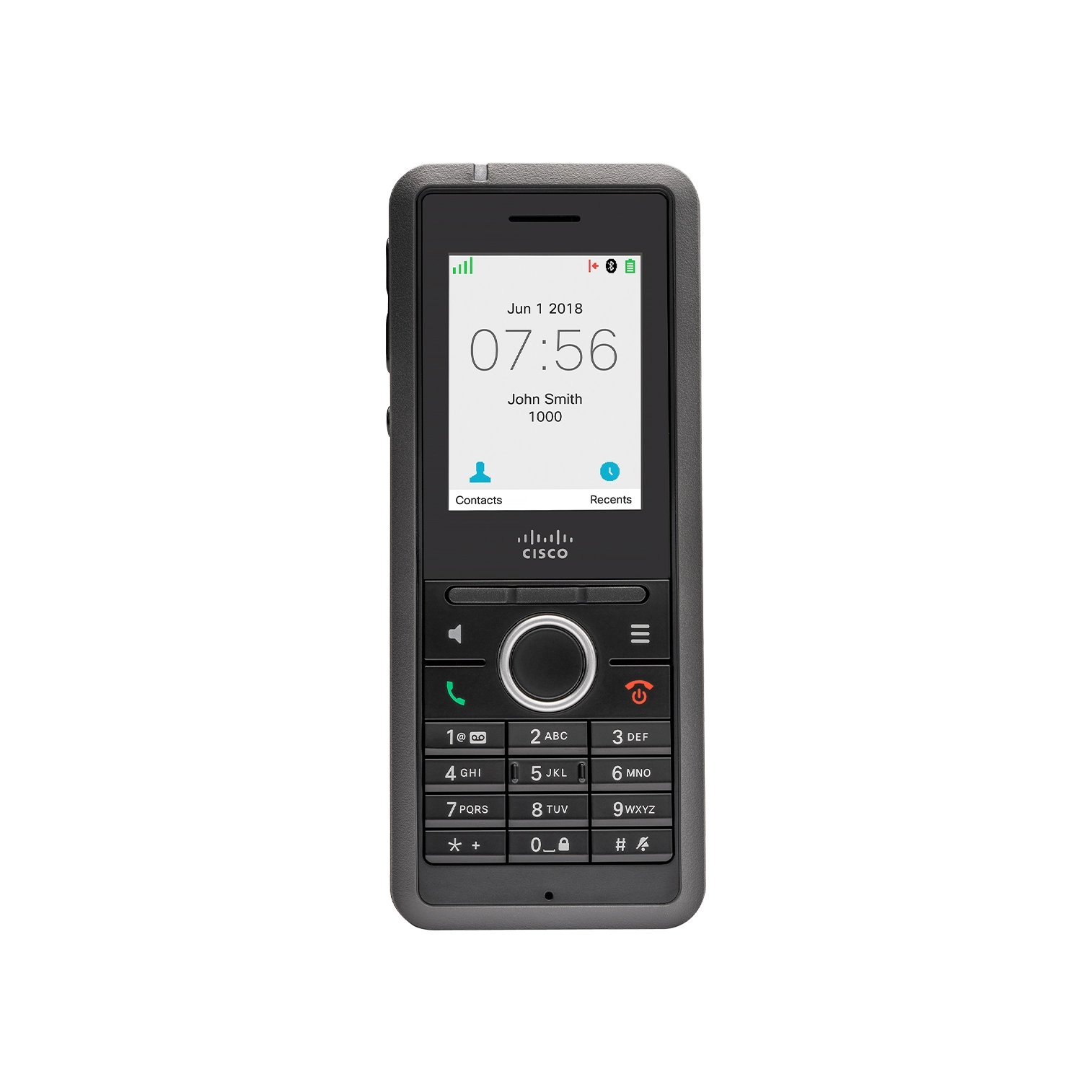
From the Cisco 9800 Series at your desk to cordless handsets and wireless headsets, we help match the equipment to your people and the way they work.

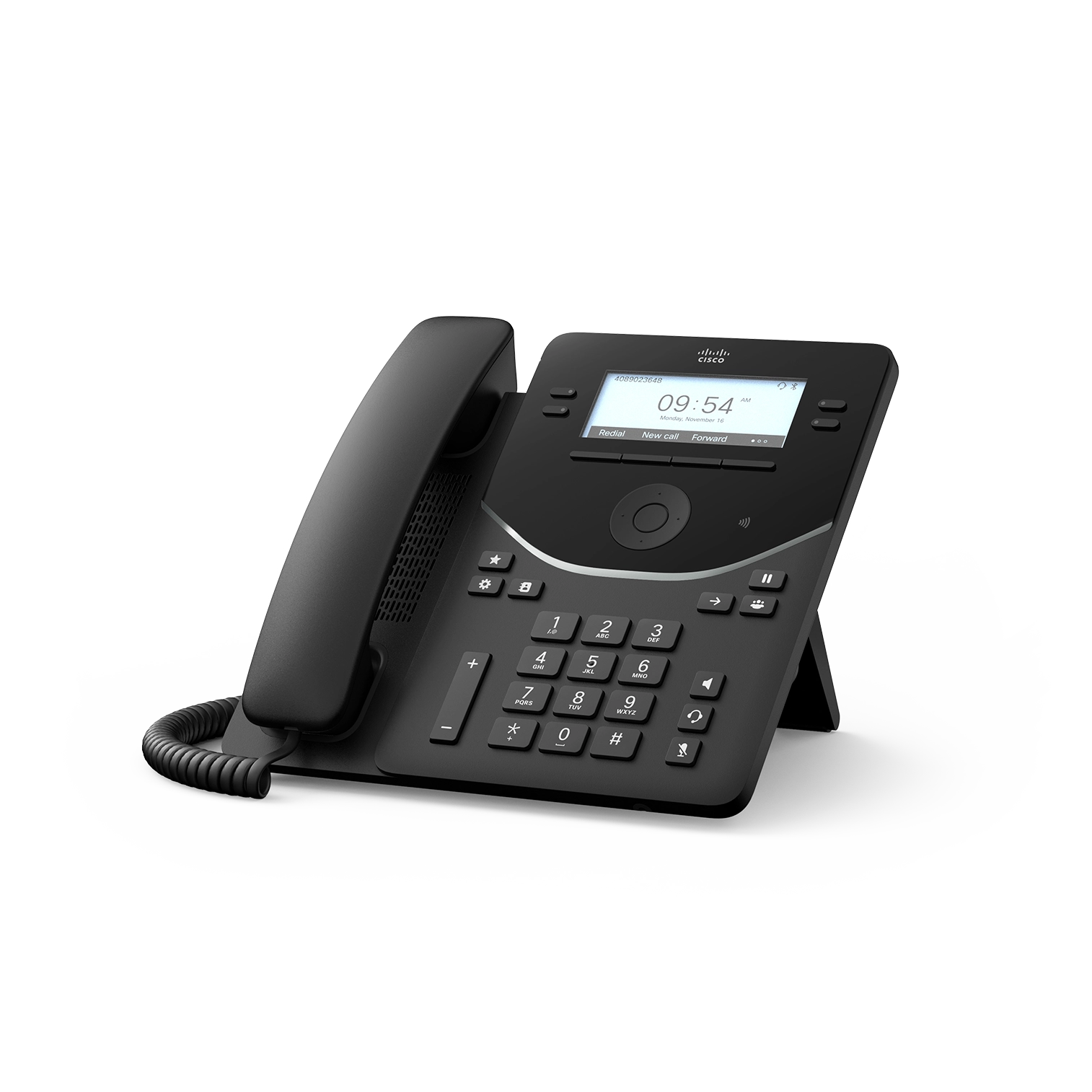
Everyday calling
A straightforward desk phone for everyday work.
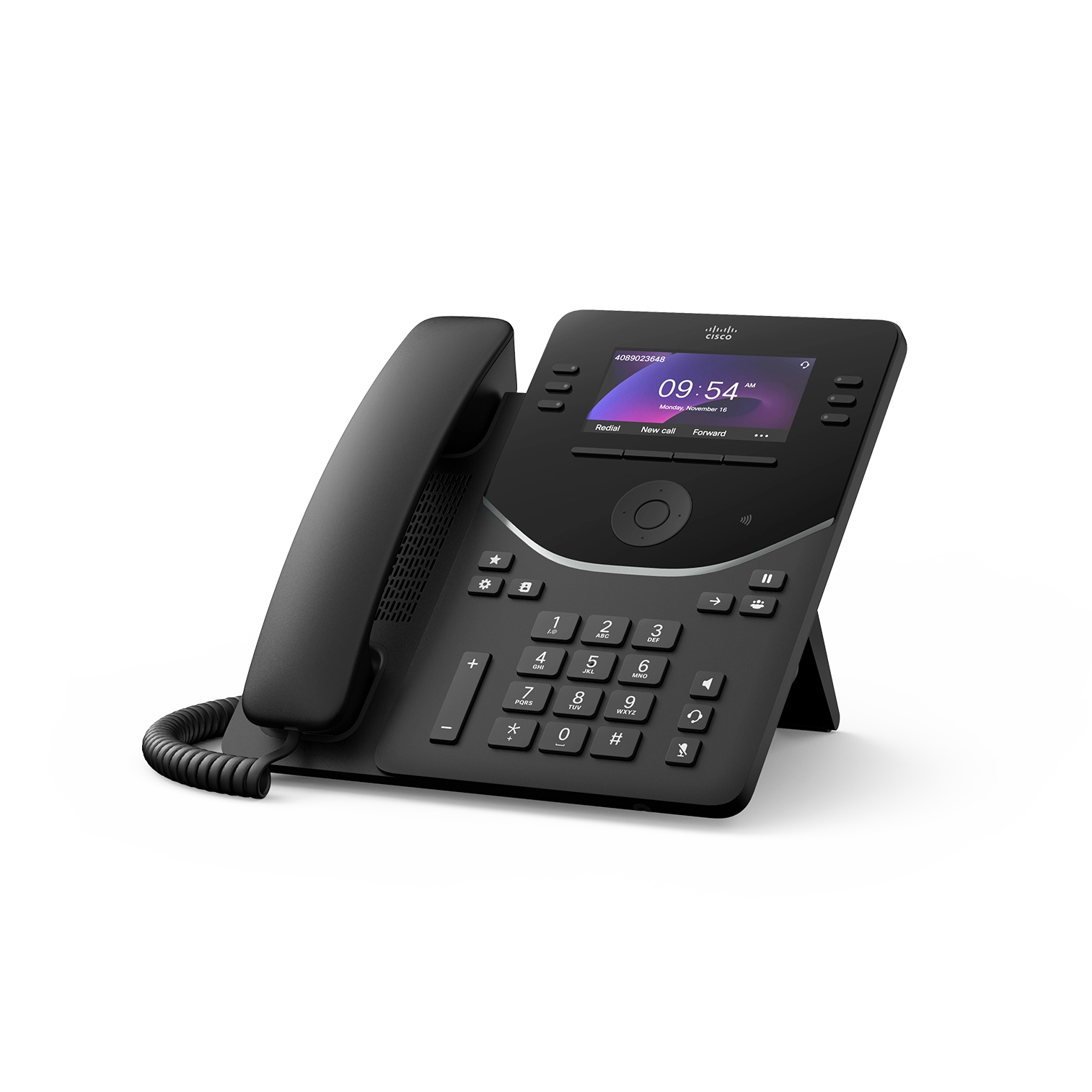
More room to manage calls
A colour-screen phone for teams handling several lines.
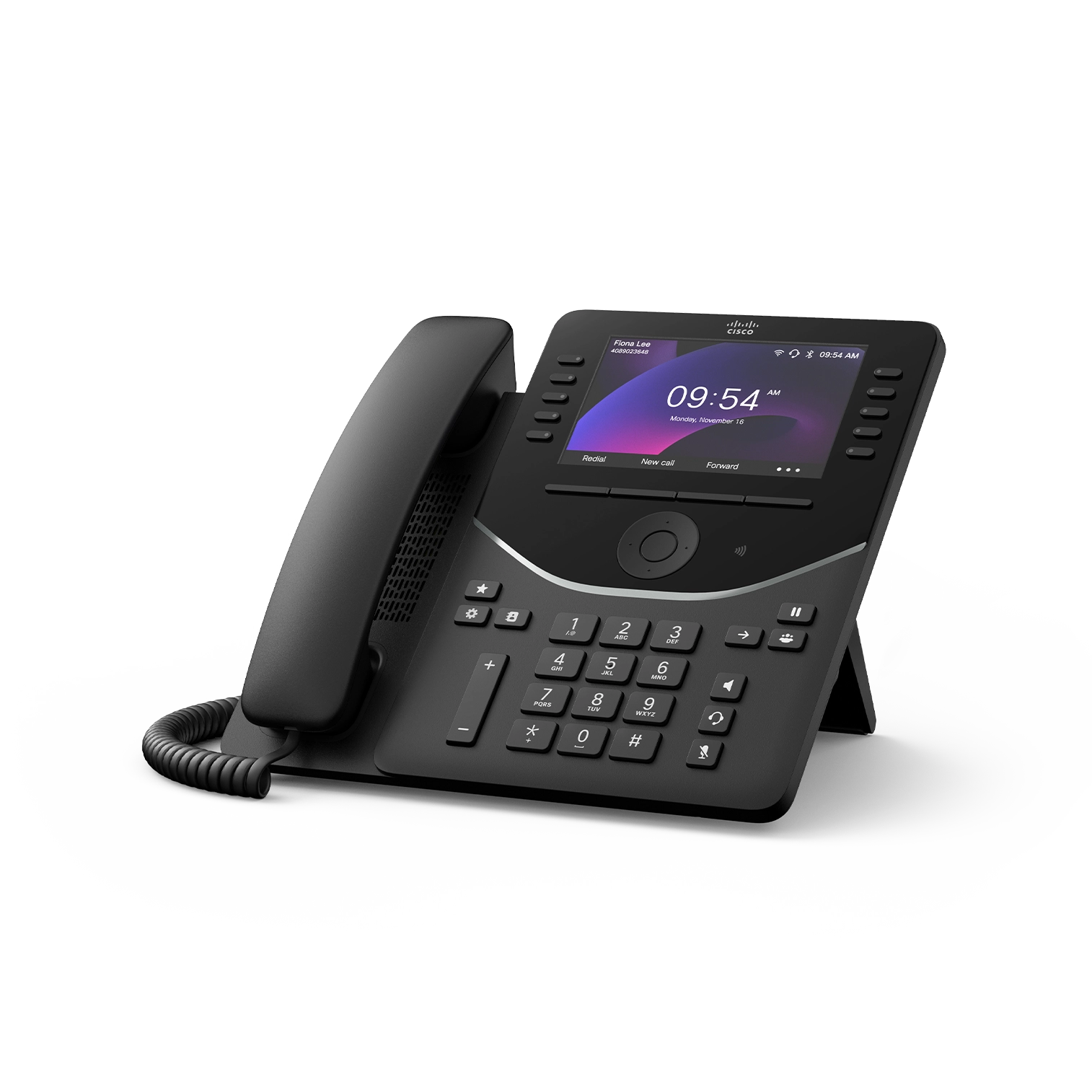
Busy desks. Clear calls.
A larger display and more line keys for reception and busy workstations.
A touch more flexibility
A touchscreen phone for leaders and shared workspaces.
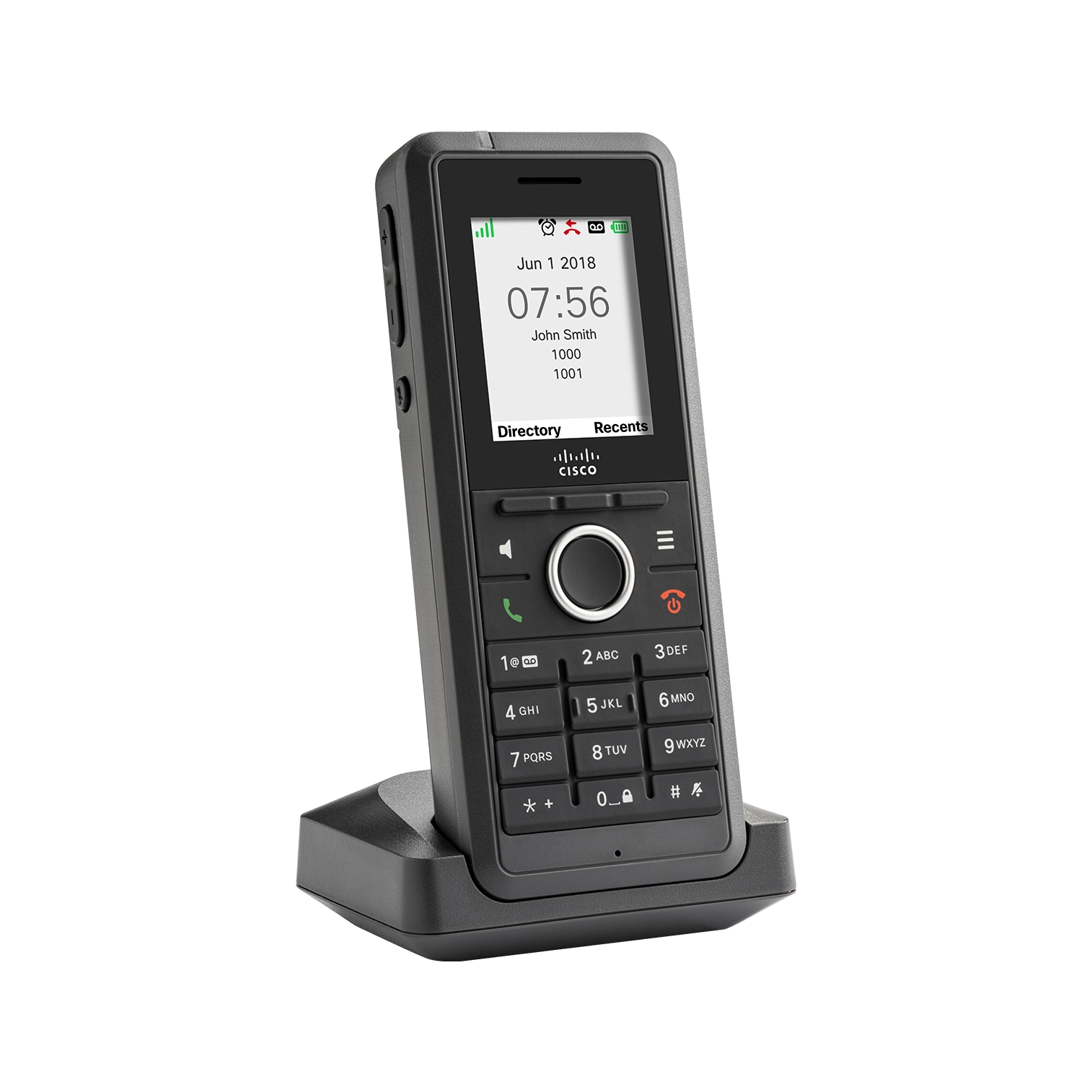
Cordless DECT phone
Stay reachable as you move around your location.

Wireless headsets
Lightweight comfort for customer calls and team meetings.
Premium wireless headset
Focus on the conversation, wherever you work.
PERSONAL ADVICE. COMPLETE SETUP.
Tell us about your workstations, meeting rooms and mobile teams. We’ll recommend the right devices and coordinate configuration, installation and training.
Device pricing, availability and inclusion in your calling plan are confirmed in your quote. Features depend on the device model, calling platform and configuration.

YEALINK PHONES & ACCESSORIES
Choose from three desk phones, two cordless packages and wired or wireless headsets. We match the equipment to your calling platform, workspace and the way your people work.
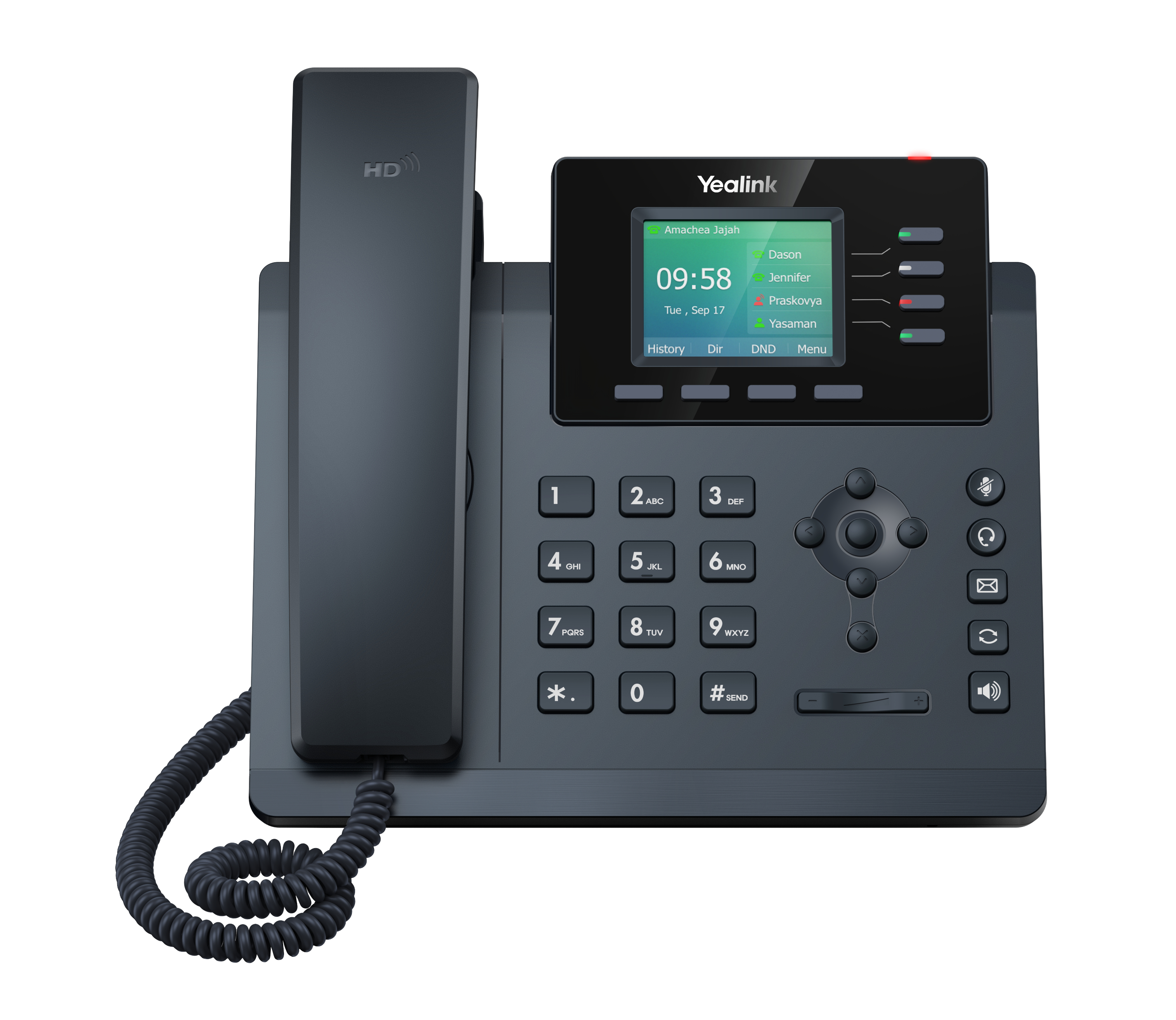
Everyday Wi-Fi calling
A compact colour-screen phone for everyday business calling.
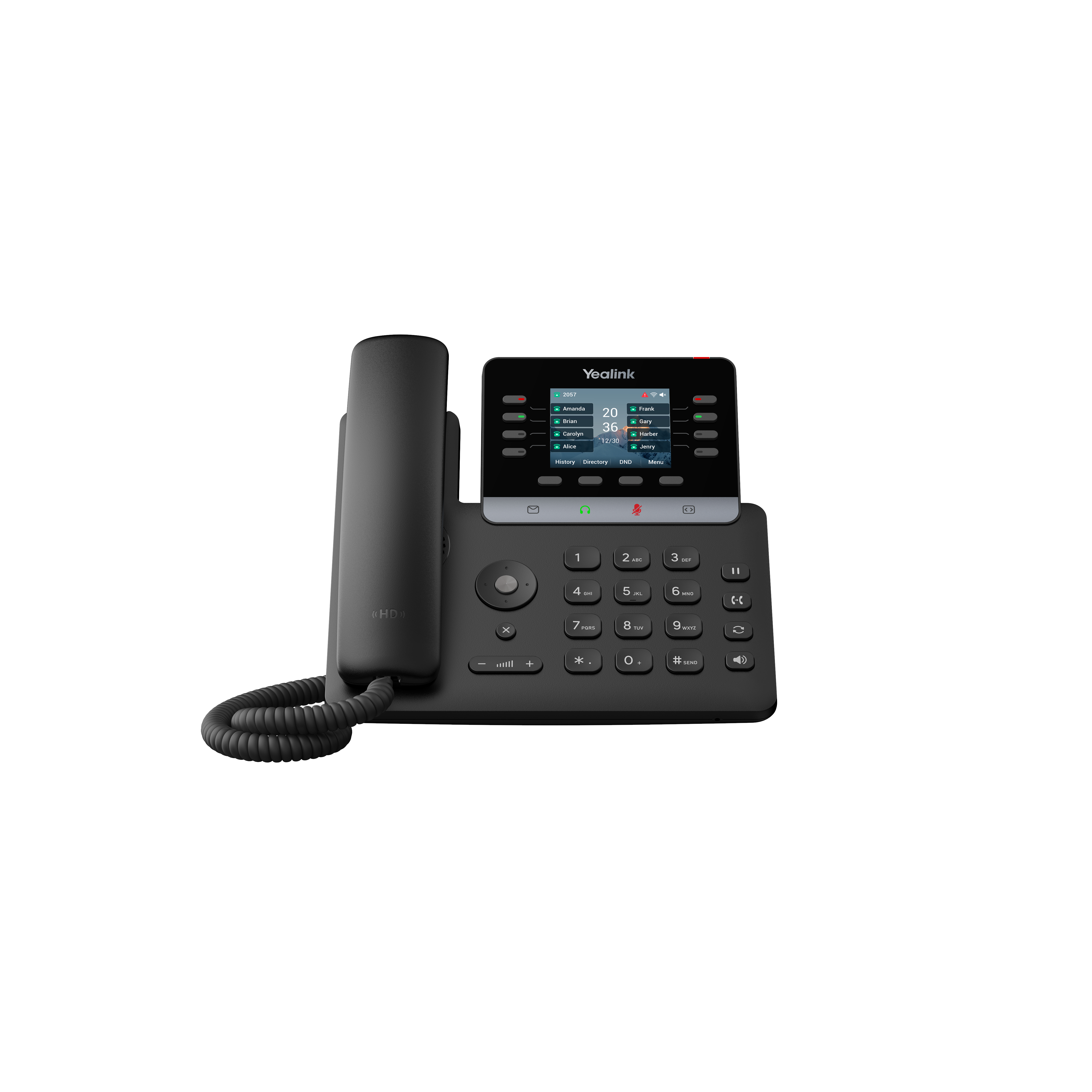
Flexible business calling
More line keys and wireless connectivity for busy workstations.
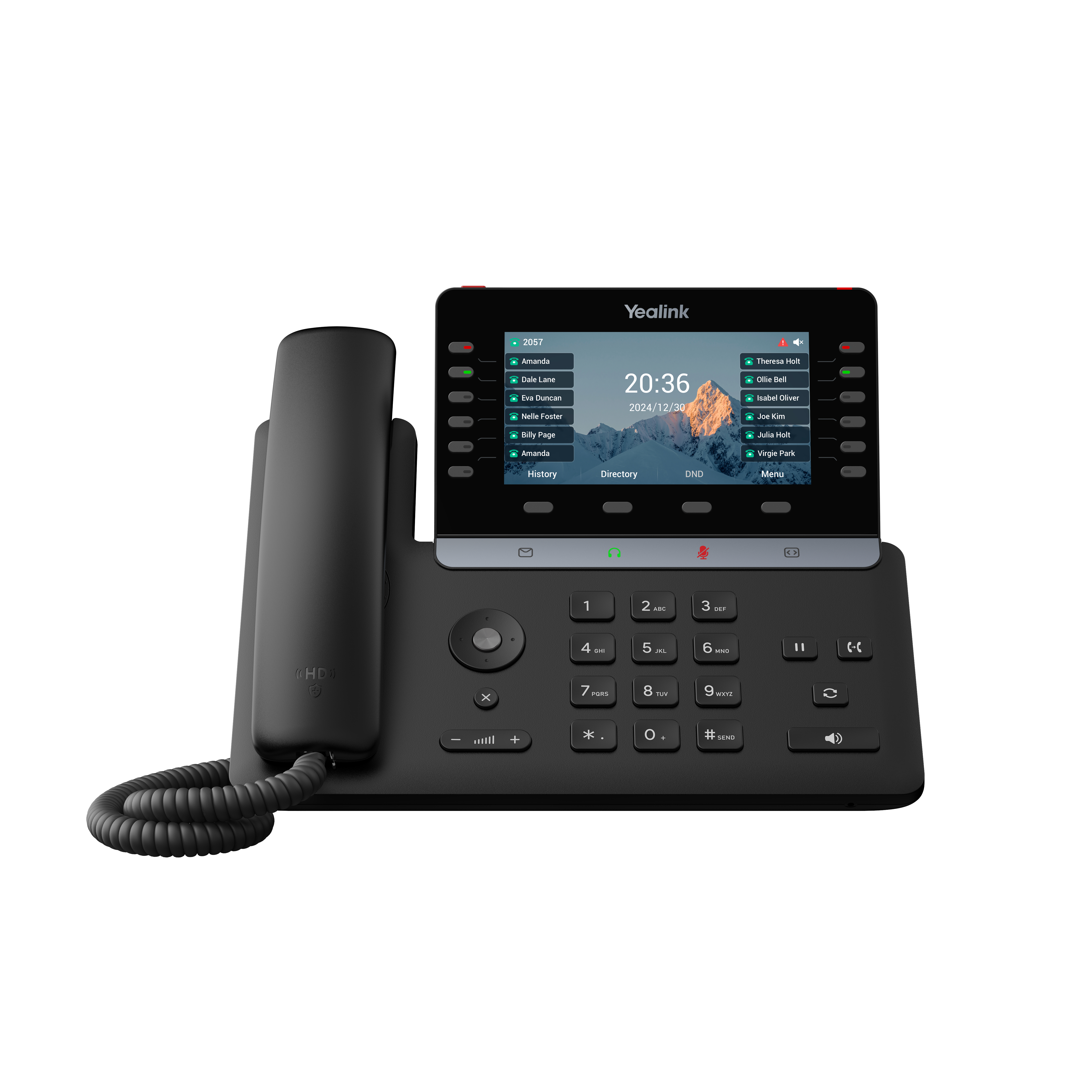
Executive desk phone
A larger display and flexible connectivity for busy professionals.
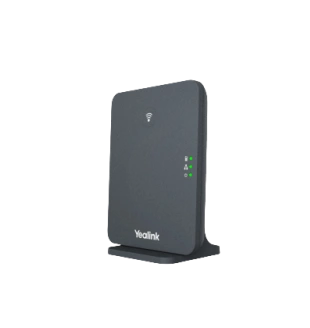
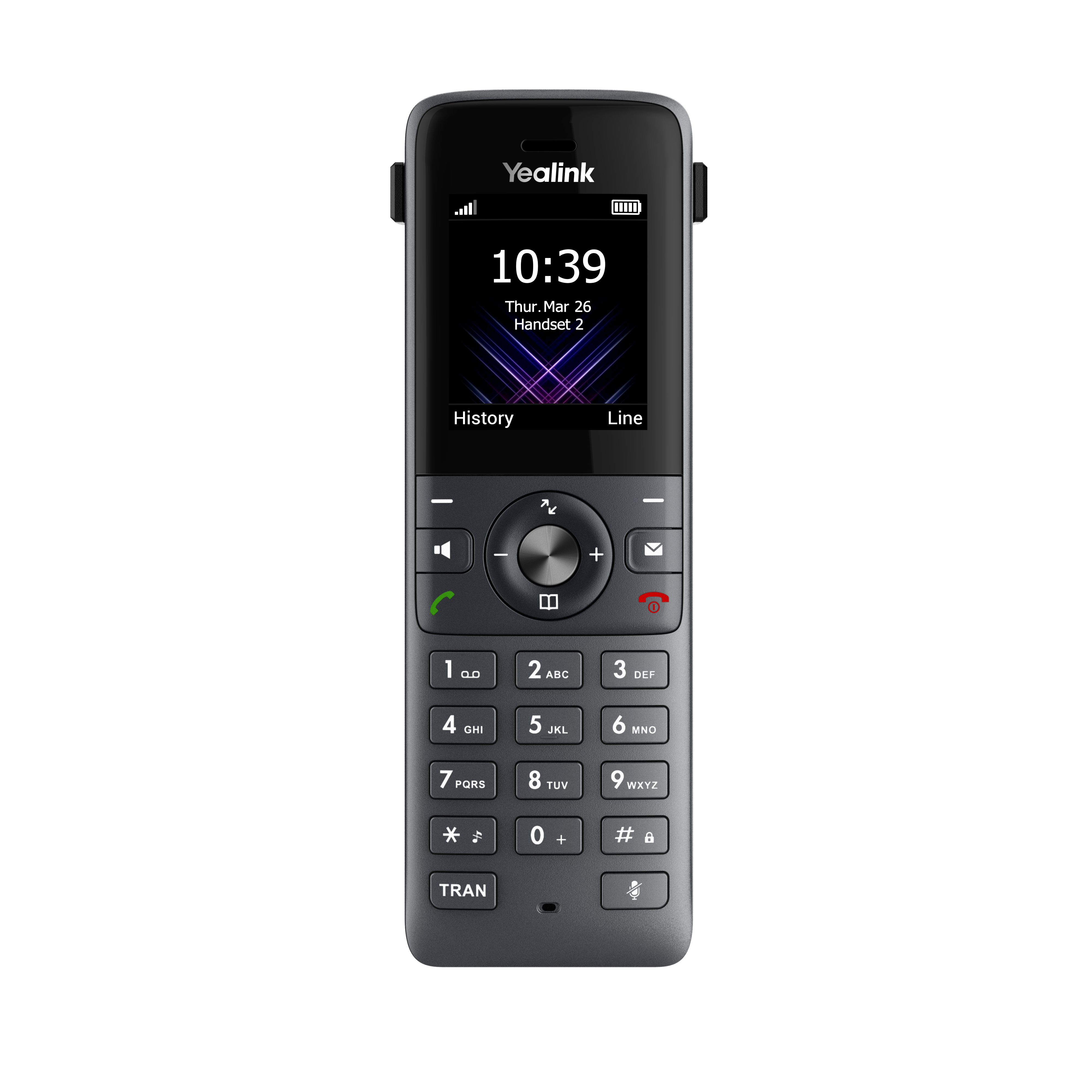
Office cordless package
A network base and lightweight handset for moving around your location.
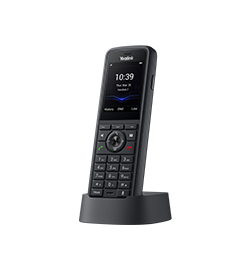
Rugged cordless package
A rugged handset and network base for warehouses, workshops and active teams.
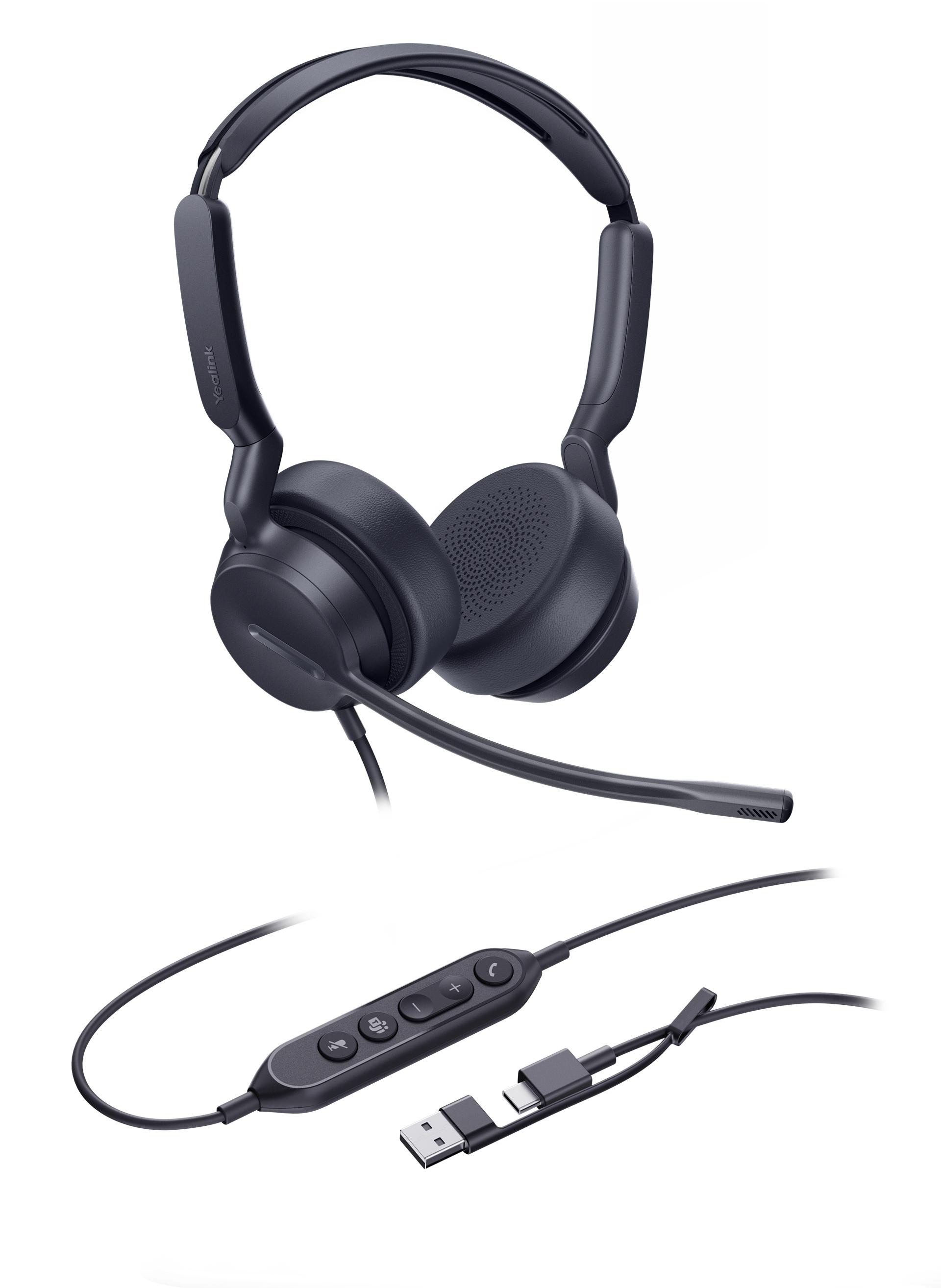
Wired focus
A practical wired headset for clear calls and focused work in the Webex App.
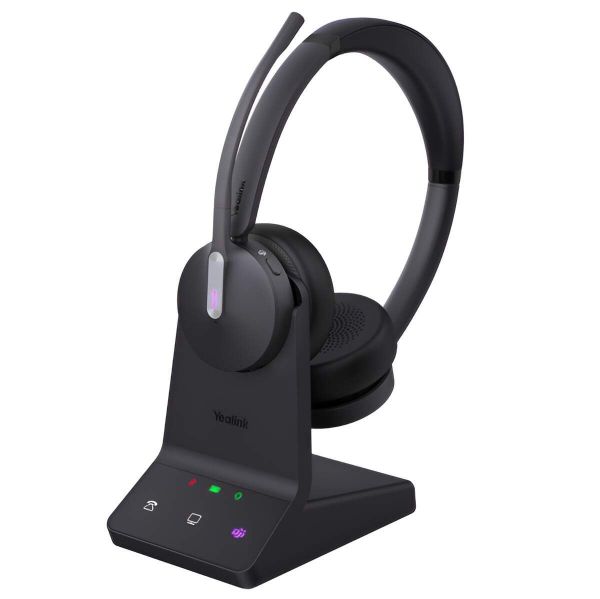
Wireless flexibility
Move around your workspace while staying connected, with a wireless headset and charging base.
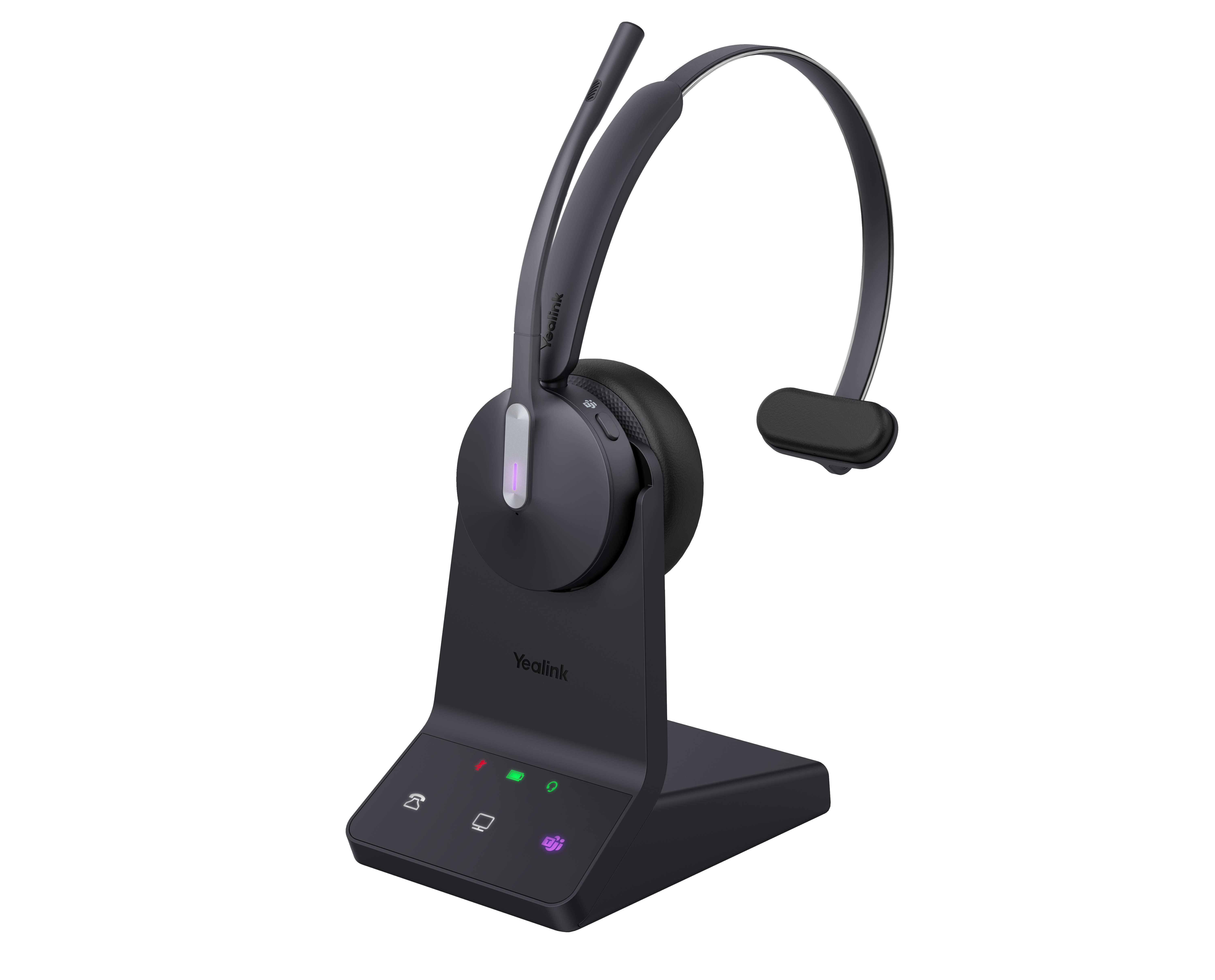
One ear on your surroundings
Stay connected to callers while keeping one ear free for your team and surroundings.
These headsets are supported by the Webex App on Windows and Mac.
PERSONAL ADVICE. COMPLETE SETUP.
We’ll review device compatibility, cordless coverage and accessory requirements, then coordinate configuration, installation and training.
Device availability, pricing and plan inclusion are confirmed in your quote. Calling platform support and firmware compatibility are checked before deployment. Cordless coverage depends on the environment.
SETUP & SUPPORT
We take care of the details, from reviewing your current setup to helping your team get comfortable with Webex.
Review your users, locations, call flows and phone numbers. We confirm transfer eligibility and Internet readiness before activation.
Configure your service, coordinate number transfers and test your setup. We help your people get started with their phones and the Webex App.
Get help with technical questions, service changes and your existing account from the Selectcom Telecom team.
Find the desktop and mobile options in our Webex download section.
Get the Webex AppOur team can help with your existing Webex service.
Submit a Service Request1-888-901-8484Access Control Hub with your Webex administrator account.
Login to Control HubWe check transfer eligibility and coordinate the change. Keep your current service active until the transfer is complete.
Yes. Give voice-focused users Webex Voice and choose Calling or Suite for people who need more collaboration. We confirm the right licence for each role.
No. It provides an indicative estimate for your selected packages and options. We confirm eligibility, included phones, installation scope, optional services and final pricing before you order.
Visit our Webex download section for the official desktop and mobile options. Use the work email associated with your activated Webex account.
Download the Webex AppBring your questions. We’ll help you plan the next step.
Request a callback