
Get started simply
Spend the meeting on the work, with controls your team can use confidently.
YEALINK ROOM SOLUTIONS. SELECTCOM SERVICE.
Small rooms · 5–9 people
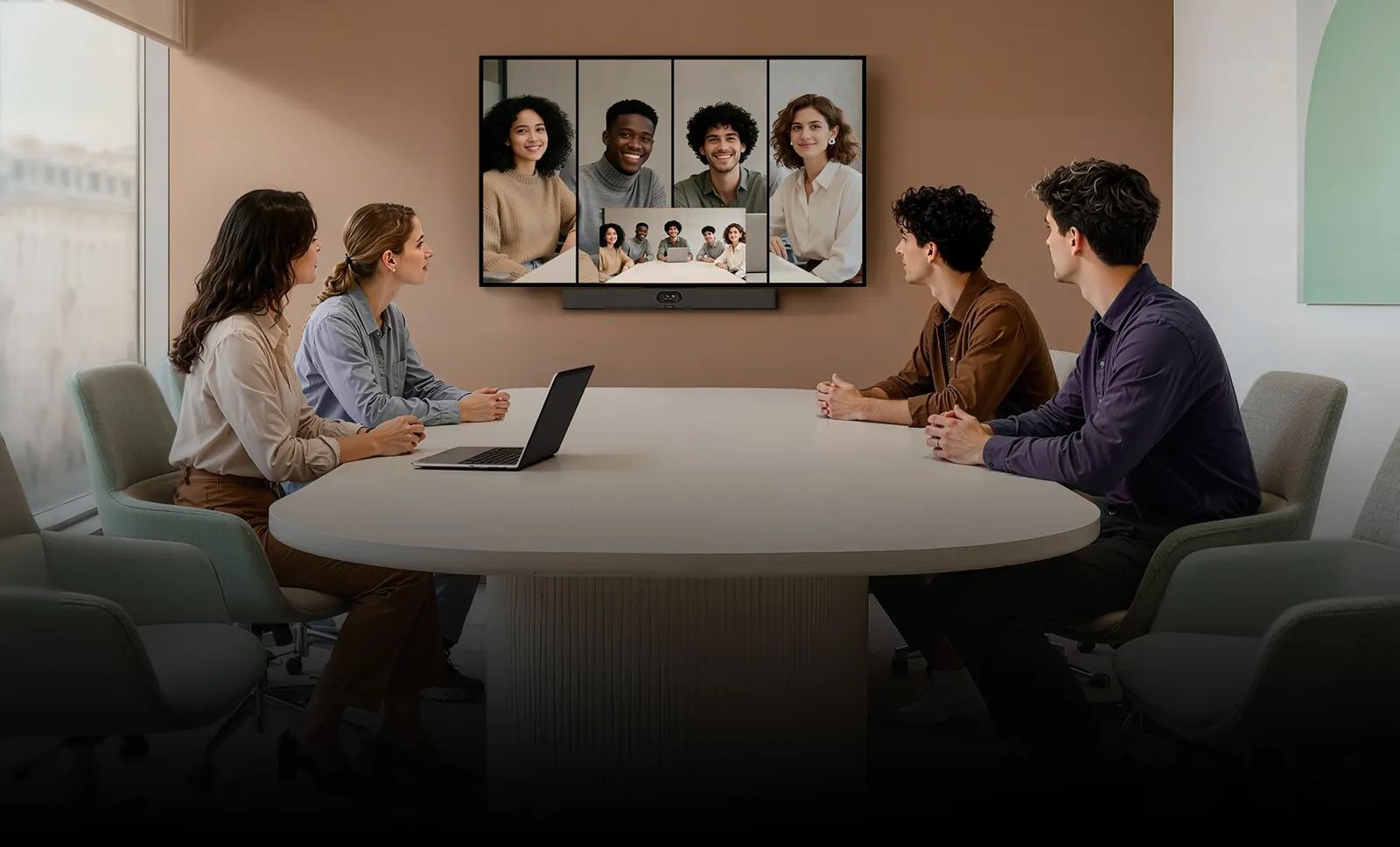
Make room for better conversations. Bring your team together with a meeting space planned, installed and supported by Selectcom Telecom.
LESS FRICTION. MORE FACE TIME.
The people in the room and the people on screen should feel part of the same conversation. We help you bring the space, equipment and support together.
Spend the meeting on the work, with controls your team can use confidently.
Keep the table clear and plan the screen, camera and cables around your room.
Choose camera coverage and audio that suit the way your team sits and collaborates.
From the first room to the next location, Selectcom coordinates the details.
THREE WAYS TO BRING PEOPLE TOGETHER
Start with how your team meets. We’ll help confirm the equipment, platform and installation that fit.
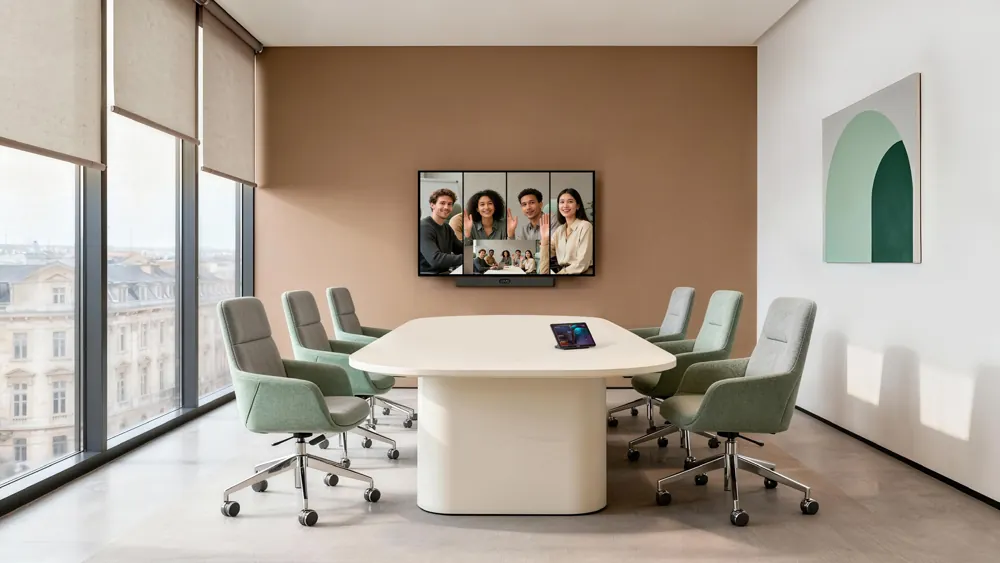 MeetingBar A40
All-in-one video bar
A compact all-in-one approach for everyday video meetings.
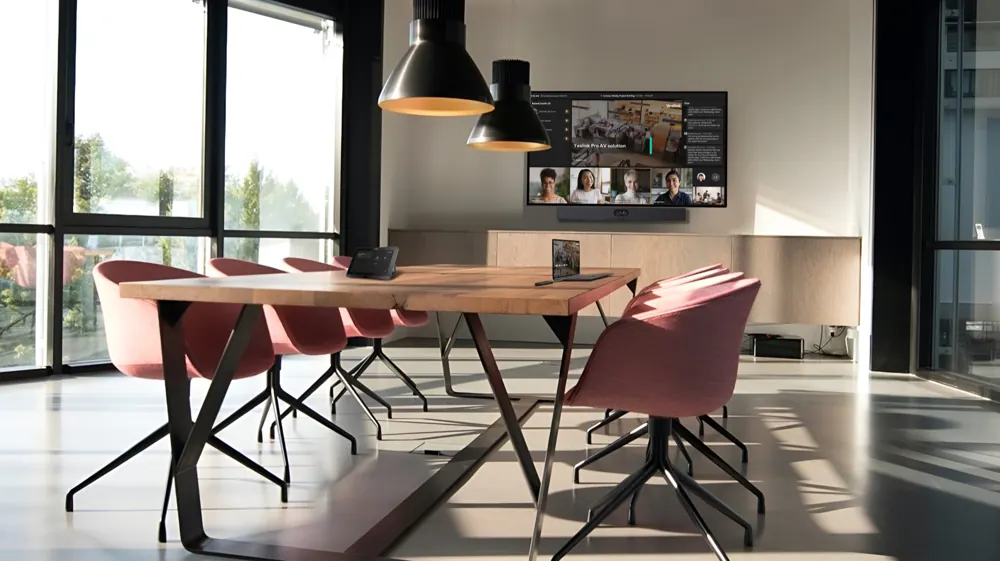 MVC S40
Windows Teams Rooms
A dedicated Windows-based Microsoft Teams Rooms setup.
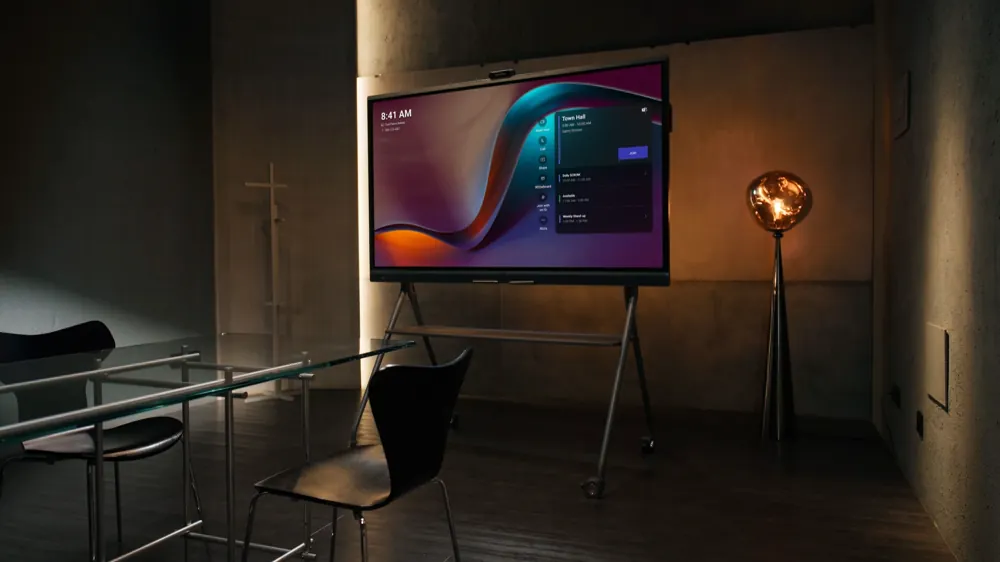 MeetingBoard Pro
Interactive MeetingBoard
Give ideas a place to take shape.
YOUR ROOM. YOUR WAY OF WORKING.
Give project teams a reliable place to meet, align and keep moving.
Bring colleagues and customers into the room without the travel.
Make room for shared thinking, working sessions and decisions.
CLEAN SETUP. THOUGHTFUL DETAILS.
We review sightlines, table layout, power and network access before recommending the mounting and cabling approach.
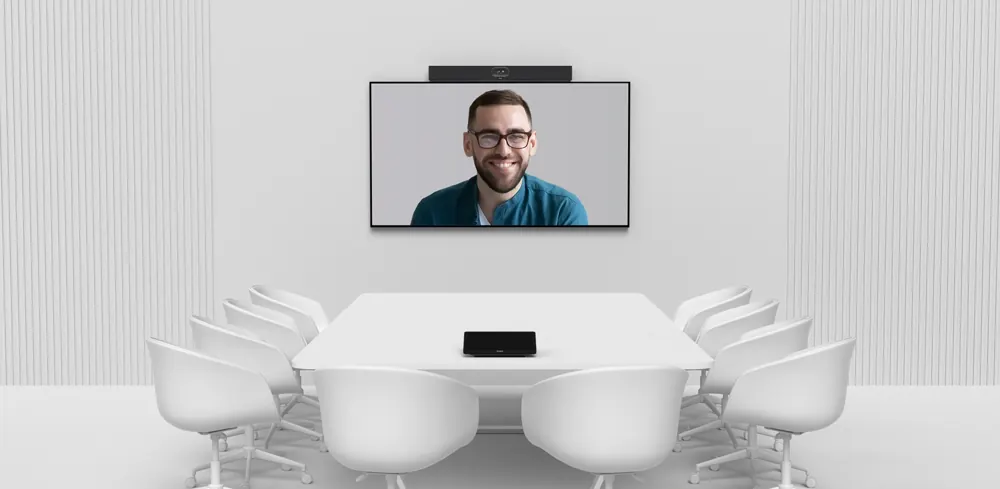
Place the camera around the display, with a clear view of the table.
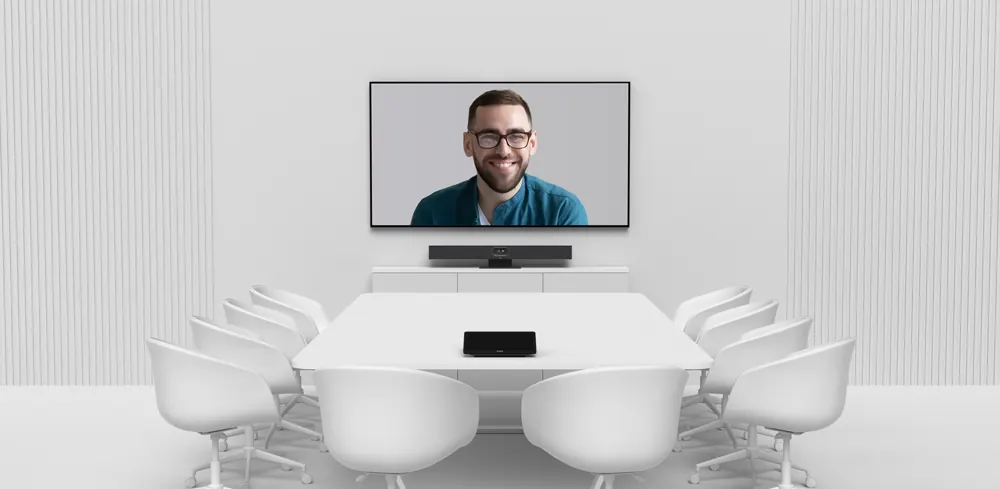
Consider a display stand when the room needs a different layout.
Mounting, cable routes, network readiness and a practical handover. One team to coordinate your installation.
Discuss my space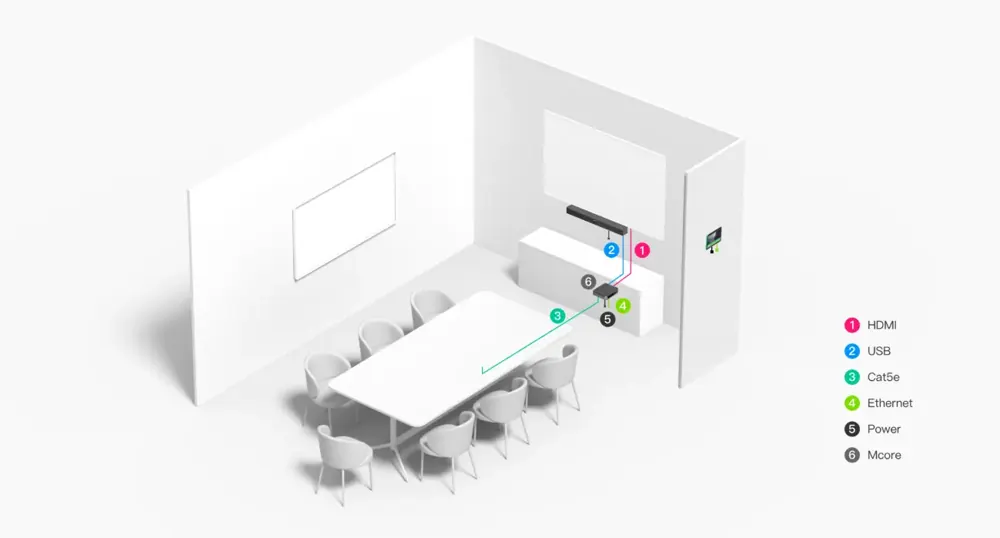
Coordinate the room computer, touch console and video equipment.
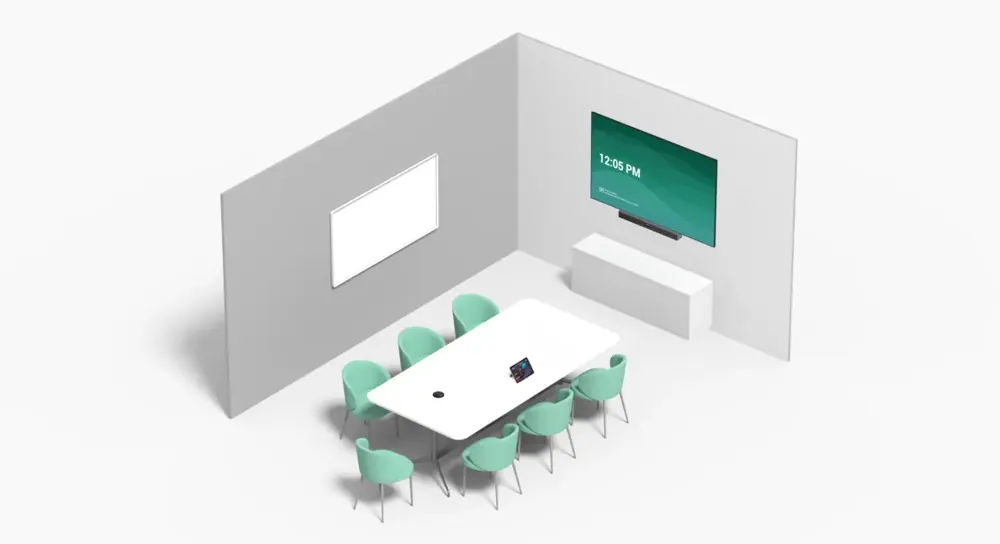
Review microphone placement and any extensions with your room specialist.
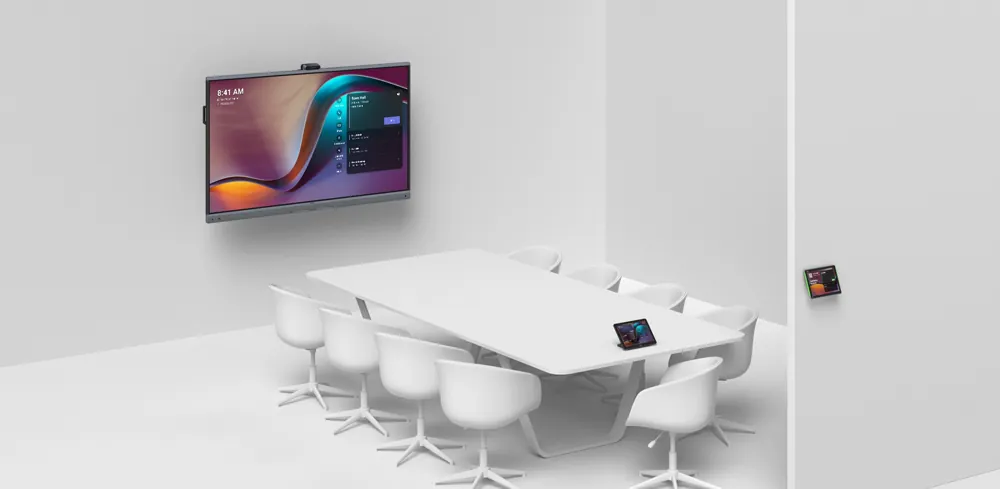
Wall mounting keeps the floor clear in a dedicated collaboration room.
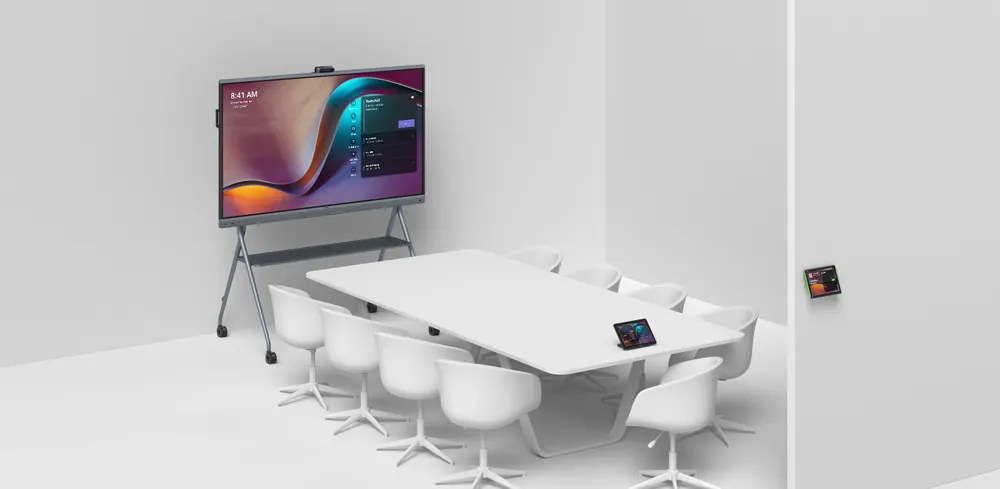
Review a mobile stand when the display needs to move between spaces.
ONE ROOM TODAY. MORE TOMORROW.
Growing across floors or locations? Start with a repeatable room design and a clear support plan. We help your team coordinate equipment, network requirements and ongoing care.
Agree on the room experience before expanding.
Review device-management options for the chosen platform.
Set expectations for training, updates and assistance.
THE HARDWARE BEHIND THE EXPERIENCE
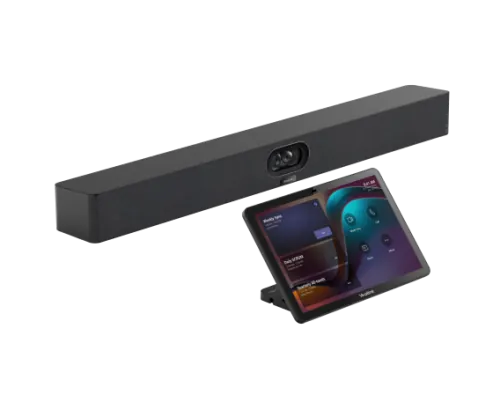
All-in-one video bar
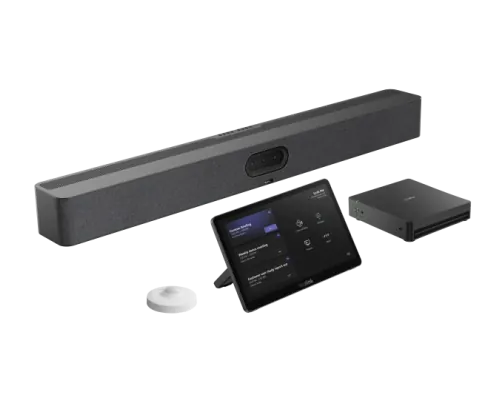
Windows Teams Rooms
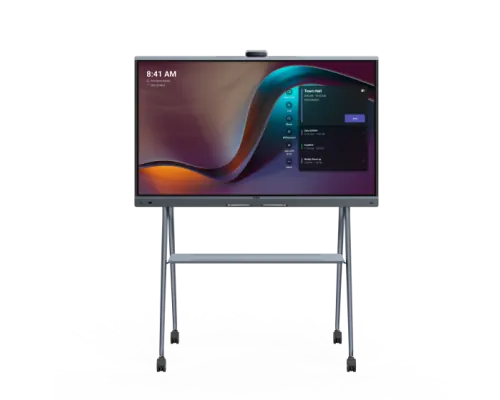
Interactive MeetingBoard
Platform, licensing, accessories and installation requirements are confirmed with your Selectcom team before ordering.
THE FINISHING TOUCHES
Complete the setup with the right display, room controls and audio accessories. We’ll confirm compatibility with your selected system.

MeetingDisplay
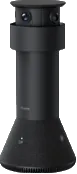
MTower

VCM 35/36
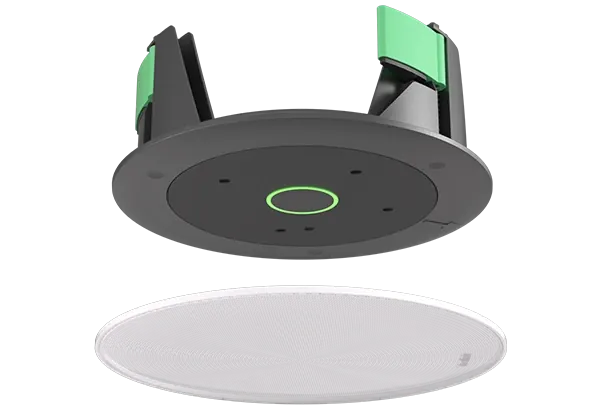
CM20
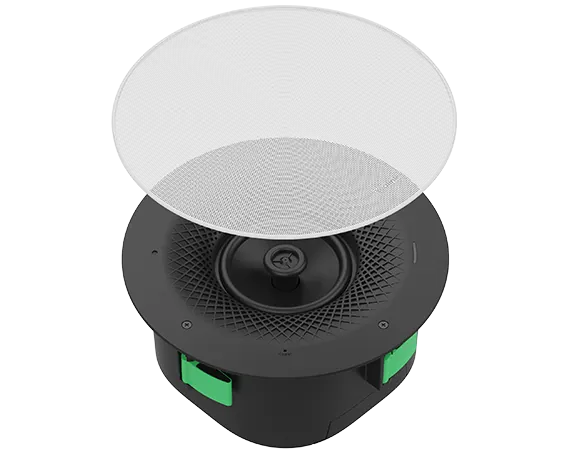
CS10
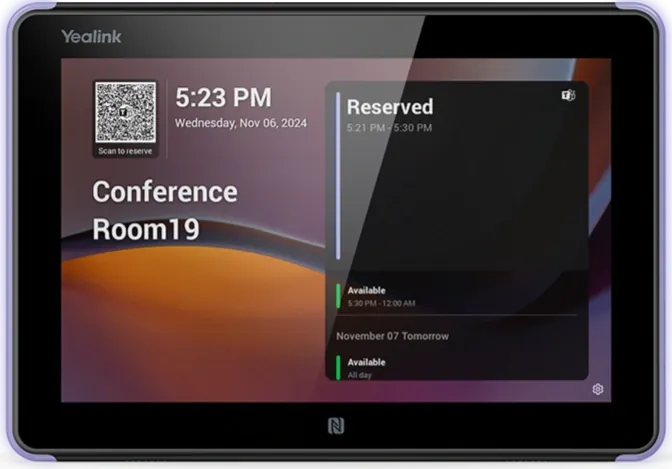
RoomPanel E2
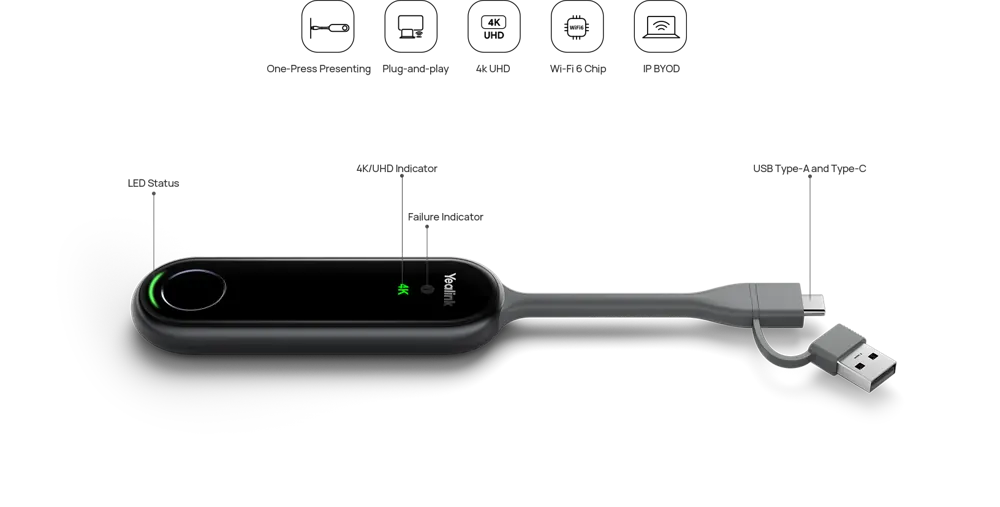
PA20
LET’S BUILD YOUR MEETING SPACE
Tell us a little about the room. We’ll give you a starting point and help you work through the details.
TECHNOLOGY. MADE HUMAN.
Bring the vision. We’ll help bring it together.
Talk to a room specialist