
Support informal teamwork
Create places for quick discussions and shared ideas.
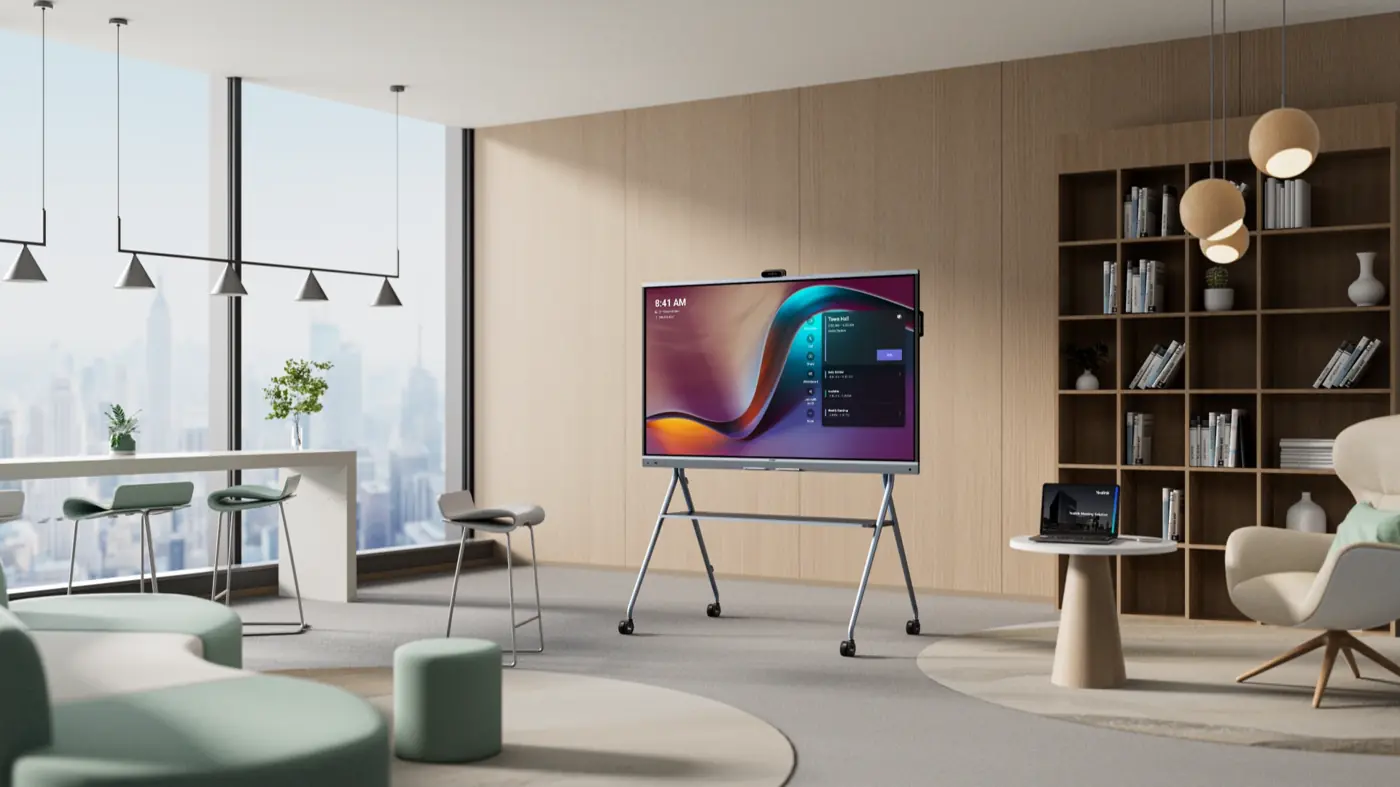
YEALINK ROOM SOLUTIONS. SELECTCOM SERVICE.
Open Workspaces · Flexible collaboration spaces
Give informal teamwork and shared workspaces the tools to connect. Selectcom helps make collaboration part of the way your office works.
DESIGNED AROUND YOUR BUSINESS
Start with the people, the space and the way work gets done. Your Selectcom team helps turn those needs into a practical room plan.
Create places for quick discussions and shared ideas.
Plan equipment around the people who will use it throughout the day.
Review noise, foot traffic and camera placement before choosing a setup.
Match shared devices and collaboration tools to the office layout.
THE RIGHT STARTING POINT
Explore the room-system options below, then work through the details with Selectcom.
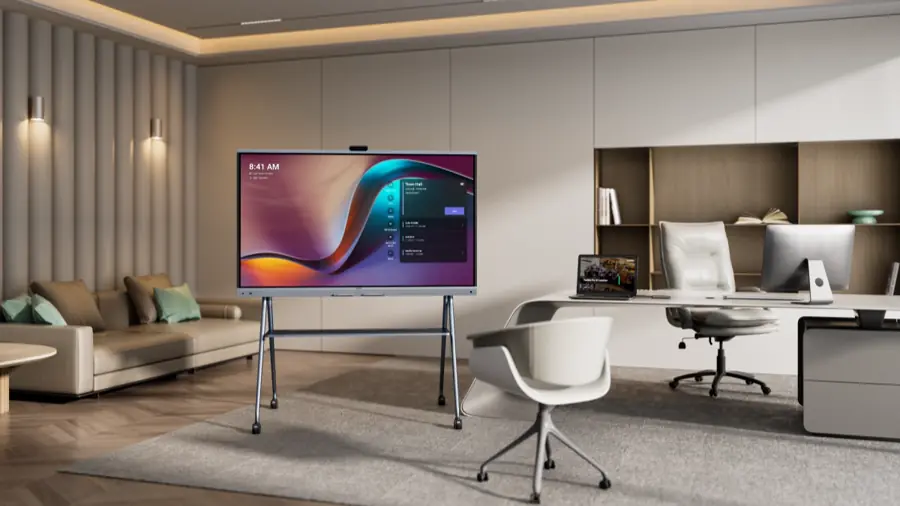
MeetingBoard ProShared visual collaboration
A shared surface for conversations, ideas and hybrid teamwork.
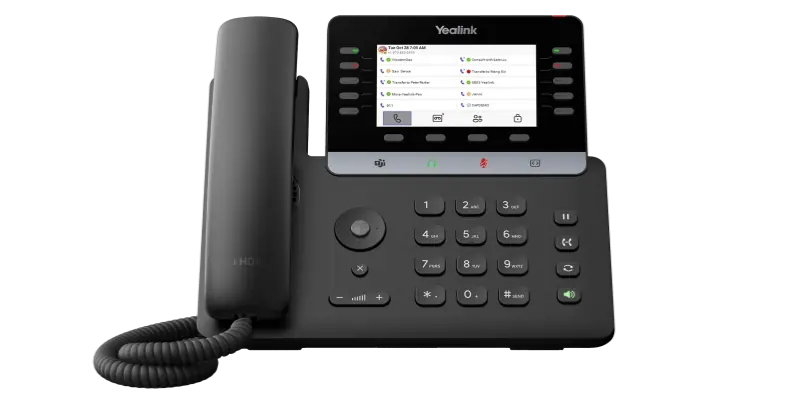
 MP55 E2 Teams
Shared desktop communication
A dedicated Teams phone for shared and high-traffic work areas.
YOUR SPACE. YOUR WAY OF WORKING.
Bring people and ideas together without a formal meeting room.
Create an accessible place for discussions and decisions.
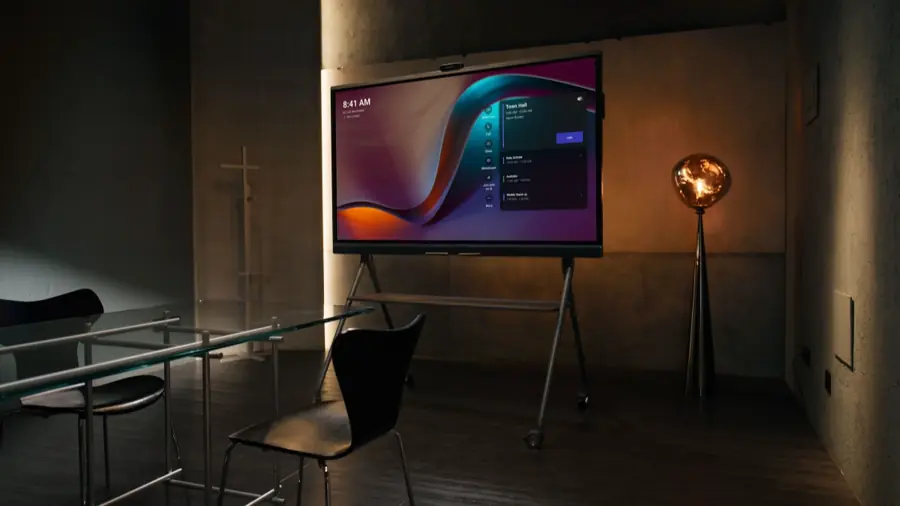
Consider mobile collaboration tools as the workspace changes.
PLANNED FOR YOUR SPACE
Review the layout with Selectcom before choosing the final equipment, cabling and mounting approach.
Review access, screen visibility and everyday circulation.
Plan a useful home for the device between collaboration sessions.
Review desktop equipment, power and network access.
Confirm the Teams environment, licences and user workflow.
ONE ROOM TODAY. MORE TOMORROW.
Growing across floors or locations? Start with a repeatable room design and a clear support plan. We help your team coordinate equipment, network requirements and ongoing care.
Agree on the room experience before expanding.
Review device-management options for the chosen platform.
Set expectations for training, updates and assistance.
THE HARDWARE BEHIND THE EXPERIENCE
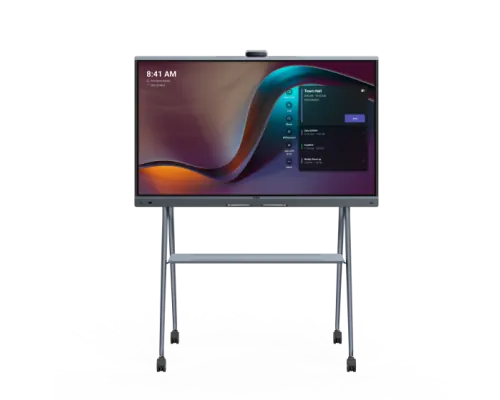
Shared visual collaboration
Shared desktop communication
Platform, licensing, accessories and installation requirements are confirmed with your Selectcom team before ordering.
THE FINISHING TOUCHES
Complete the setup with the right display, room controls and audio accessories. We’ll confirm compatibility with your selected system.

MeetingDisplay
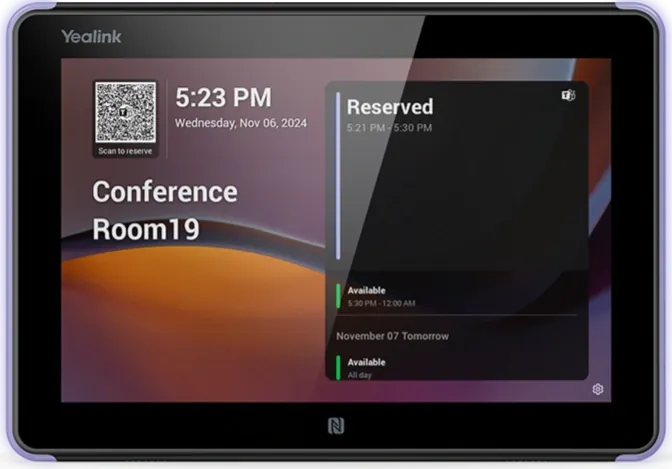
RoomPanel E2
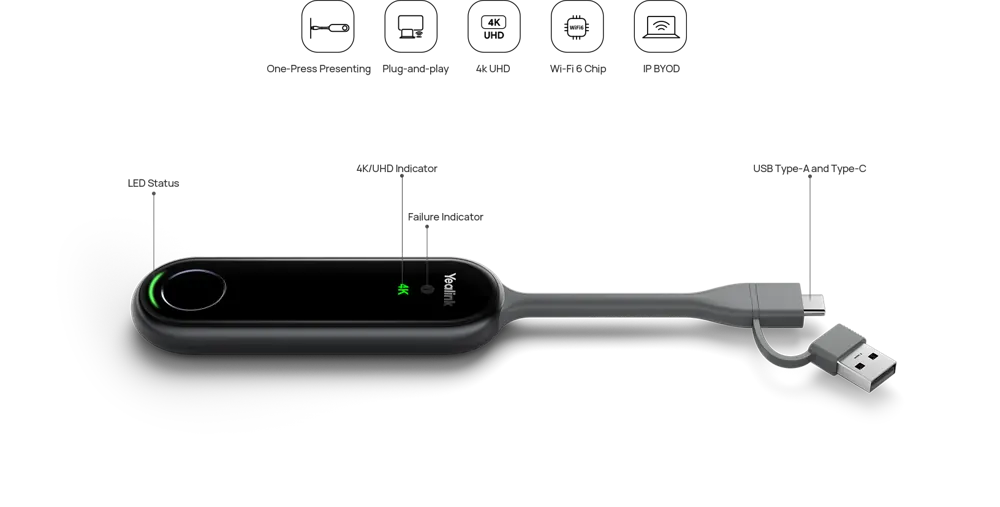
PA20
LET’S BUILD YOUR MEETING SPACE
Choose a starting point. We’ll bring your room requirements into a conversation with the Selectcom team.
TECHNOLOGY. MADE HUMAN.
Bring the vision. We’ll help bring it together.
Talk to a room specialist